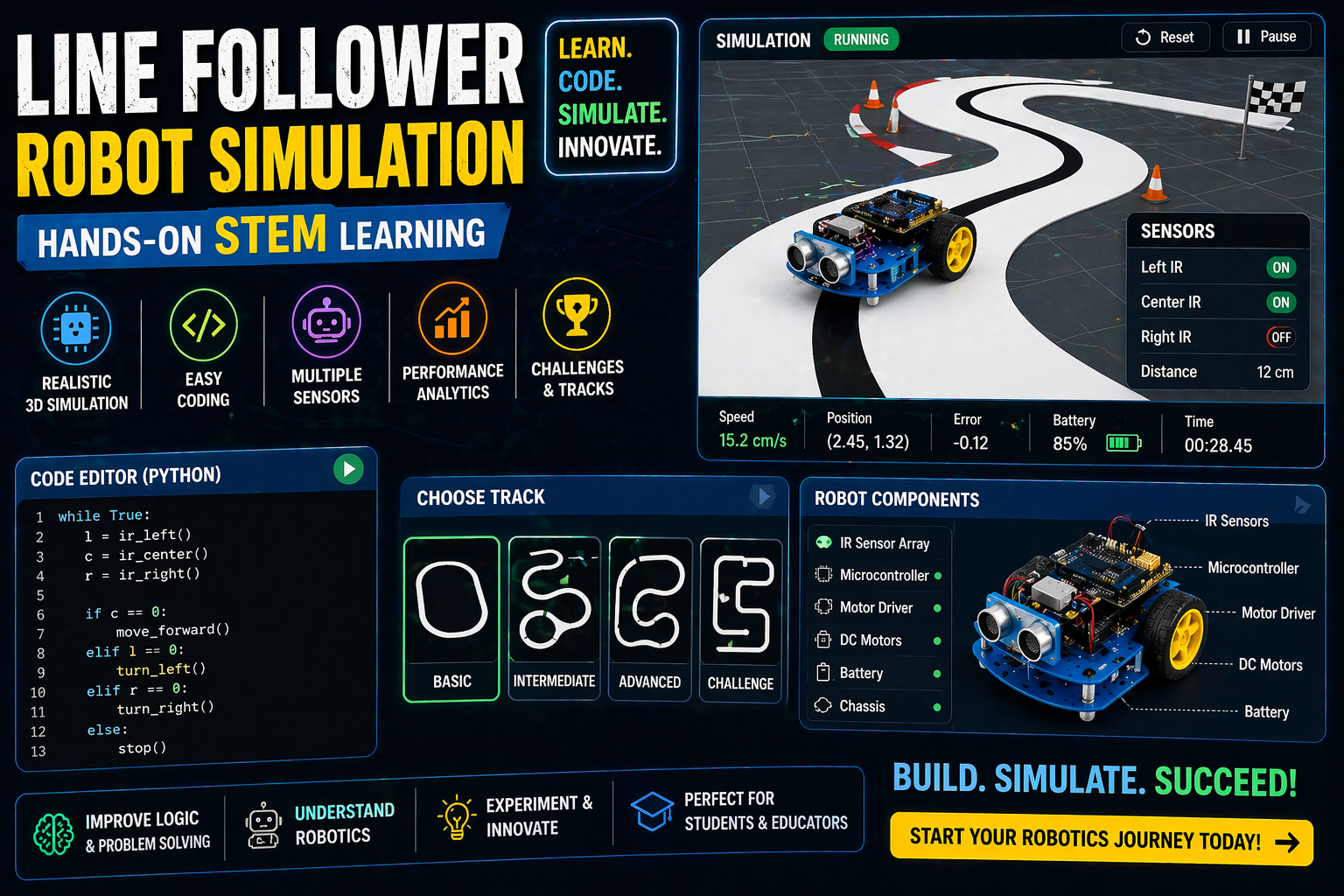
Tired of searching for the perfect way to introduce **robotics for class 6 students**? Imagine building a robot that follows a line or avoids obstacles—all without leaving your browser. SPYRAL’s 3D Robotics Lab makes it possible! No kits, no installations—just pure, hands-on learning that sparks curiosity and builds confidence in STEM.
Whether you're a student eager to dive into **robotics projects for class 10 students** or a teacher looking for engaging **cbse robotics projects for class 6**, this guide will show you how to turn abstract concepts into interactive, real-world experiences. Let’s get started!
Why This Matters: Robotics for Class 6 Students in India’s Classrooms
In India, the National Education Policy (NEP) 2020 emphasizes experiential learning, making robotics an exciting and practical way for students to explore science, technology, engineering, and math (STEM). For **class 6 students**, robotics isn’t just about building machines—it’s about developing critical thinking, problem-solving skills, and creativity. Imagine a classroom where students don’t just read about sensors or motors; they build, code, and see them work in real time.
For teachers, integrating **robotics for class 6 students** into the curriculum can make lessons more engaging and aligned with CBSE and ICSE standards. With SPYRAL’s browser-based lab, you can introduce concepts like ultrasonic sensors or Arduino coding without the hassle of managing physical kits. Plus, it’s a cost-effective solution for schools looking to enhance their STEM offerings under NEP 2020’s focus on competency-based learning.
Dive Into Robotics: Six Robots to Build and Code in 3D
SPYRAL’s Robotics Lab offers six interactive robots that students can build, wire, and code—all in a 3D virtual environment. Here’s a sneak peek at what you can explore:
- Line Follower: A robot that steers by driving one wheel faster, using two IR sensors to detect the line. Perfect for introducing basic robotics concepts like PWM and motor control.
- Obstacle Avoider: Equipped with an HC-SR04 ultrasonic sensor, this robot stops and turns when it detects an obstacle within 25 cm. Ideal for **ultrasonic sensor robot projects for students**!
- Robotic Arm: A multi-jointed arm controlled by servos, where students can write their own torque and grip-force equations. Great for understanding mechanics and physics.
- Humanoid: A 10-servo robot with an IMU and ESP32, balancing friction and servo torque limits. Perfect for **humanoid robot projects for students** and exploring advanced robotics.
- Rocket: A two-stage rocket with an ESP32 flight computer and parachutes, where students code ignition, staging, and recovery. Thrilling for aspiring aerospace enthusiasts!
- Nano Drone: A lightweight drone that students can simulate flying and programming. Fun for exploring flight dynamics and control systems.
Each robot is built part by part, wired, and coded using block-based programming or Arduino code—making it accessible for beginners while still challenging for advanced learners.
Why Start with the Line Follower?
The Line Follower is the perfect starting point for **robotics for class 6 students**. It uses an Arduino Uno, L298N motor driver, two IR sensors, and two DC motors. The robot steers by driving one wheel faster than the other, creating simple on/off steering (not PID). This project introduces students to basic electronics, sensors, and coding logic—all while seeing their robot move in real time!
Try It Live: Build and code your first Line Follower robot here.
Try This Simulation Free
Open the interactive simulation on anAIza School — no download, no signup needed.
Open Simulation →Adjust the IR sensor sensitivity and watch your robot follow the line—no kit required!