Home › Robotics Lab › Humanoid
Humanoid robot simulator: build it, balance it, make it walk
Walking is falling, caught in time. Find out what gives up first.
A servo-driven walking robot with real torque limits and friction. Students add load, push it, weaken a joint and find out what fails first, the balance or a servo, then shift its weight and lift a foot without falling.
First room free · full robot with a plan · Runs in the browser · Class 9 to 12
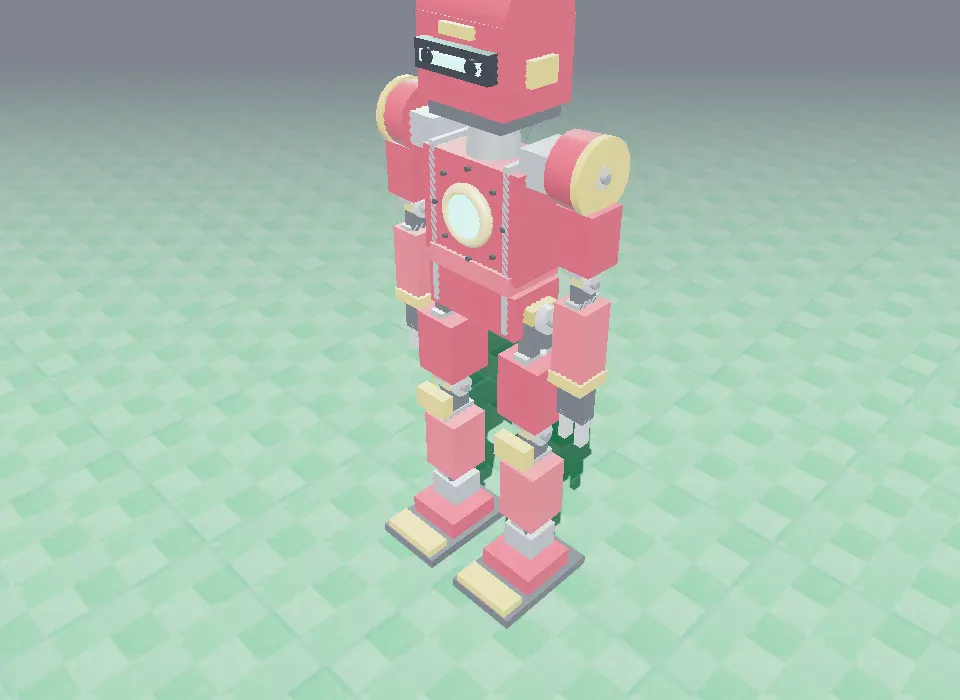
Balance you can push
Add mass, push it with a force, lower the friction. The robot shows exactly when it tips over.
Every servo has a limit
Stall torque and speed are set like a real servo. Ask for too much and the joint gives up, as it would.
The hardest robot, safely
A real humanoid that falls breaks. Here students fall it a hundred times and learn from each one.
How the humanoid works
Ten servos move it: two at the hips (they carry the most torque), two at the knees, two at the ankles (they hold it upright) and four in the arms. An IMU tells the controller which way is down. To take a step, it must move its weight over one foot before it lifts the other.
In the Physics room students change the load, the push, the friction coefficient μ and each servo's stall torque and speed, and watch what happens to the balance and the joints.
Parts you build it from
Controller (ESP32 + servo bus)
Runs the program and drives every servo.
IMU
Tells it which way is down.
Hip, knee and ankle servos
Two of each: the legs.
Arm servos ×4
Shoulders and elbows.
Torso, legs, arms and a sensor head
The frame, the feet and the cameras.
3S battery pack
Powers all the servos at once.
Wiring
These are the connections the lab checks before it lets the humanoid run.
| From | To |
|---|---|
| Battery + / − | Controller VIN / GND |
| Battery + / − | Hip servo bus V+ / GND |
| Controller bus | Hip servos |
| Hip bus out | Knee servos |
| Knee bus out | Ankle servos |
| Ankle bus out | Arm servos |
| IMU 3V3 / GND / SDA / SCL | Controller 3V3 / GND / SDA / SCL |
| Head 3V3 / GND | Controller 3V3 / GND |
Code it with blocks
It is coded with blocks: stand still, put the weight on the left foot, lift the right foot, put the foot down, arms up to 60 degrees, and in the Physics room add 0.3 kg of mass, push it with a force of 4 N, set the friction coefficient μ to 0.9, set the servo stall torque to 2.5 N·m.
Try this in the lab
- Push it with more and more force. At what force does it fall?
- Lower the friction μ. Does it slip or tip?
- Weaken the ankle servos. What fails first now?
- Put the weight on the left foot, then lift the right one without falling.
Humanoid: common questions
What does the humanoid robot simulator teach?
Balance and centre of mass, friction, and the limits of servos (stall torque and speed), by loading, pushing and walking a two-legged robot in 3D.
How many servos does the humanoid have?
Ten: two each at the hips, knees and ankles, and four in the arms.
Do students write code for it?
Yes, with blocks: shifting the weight, lifting and placing a foot, moving the arms, and changing the physics to test it.
Is the humanoid free?
Its first room (Physics) is open with a free account; the Maths, Coding and advanced rooms come with a paid plan.
Other robots in the lab
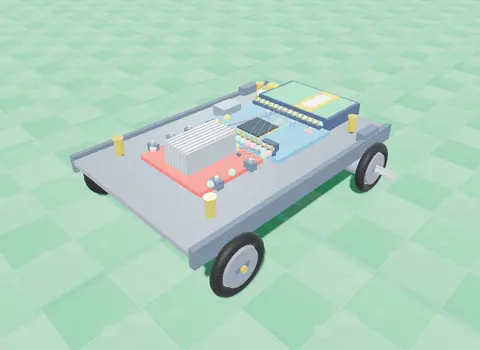
Line Follower
Two IR sensors under the chassis watch a black track; the Arduino drives one wheel faster to stay on it.
Line Follower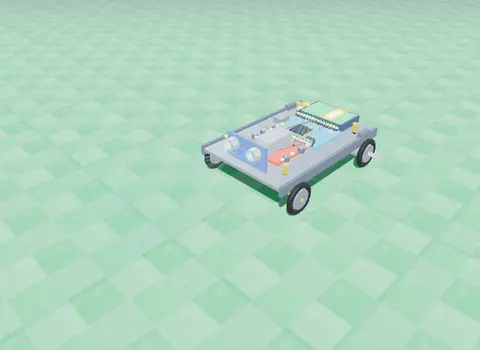
Obstacle Avoider
An ultrasonic sensor measures the distance ahead; an L298N driver and your code make it turn away from walls.
Obstacle Avoider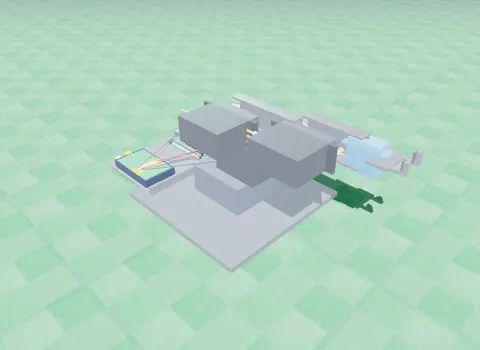
Robotic Arm
Three servo joints and a gripper: program a pick-and-place sequence and work out where the hand goes from two angles.
Robotic Arm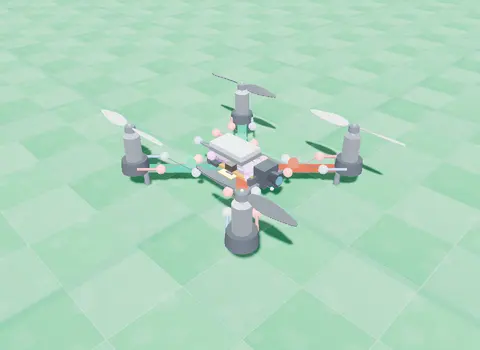
Nano Drone
A small quadcopter: learn lift and thrust, then take off, turn, hover and land with blocks you write.
Open the Nano Drone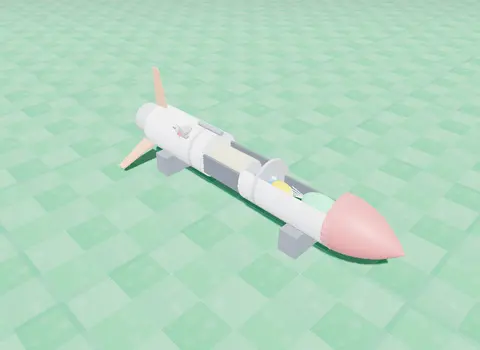
Rocket
Stack the stages and a flight computer, then code ignition, staging, the top of the flight and the parachute.
RocketBuild the humanoid today. No kit, no installs.