Home › Robotics Lab › Rocket
Model rocket simulator: stack it, code the flight, bring it home
Light it, stage it, find the top, and bring it down in one piece.
Stack a two-stage model rocket from its parts: the airframe, the nose cone, the fins, two motors, a flight computer and an altimeter. Then code the flight: ignition, staging, the top of the flight and the parachutes, and watch it fly in 3D.
First room free · full rocket with a plan · Runs in the browser · Class 9 to 12
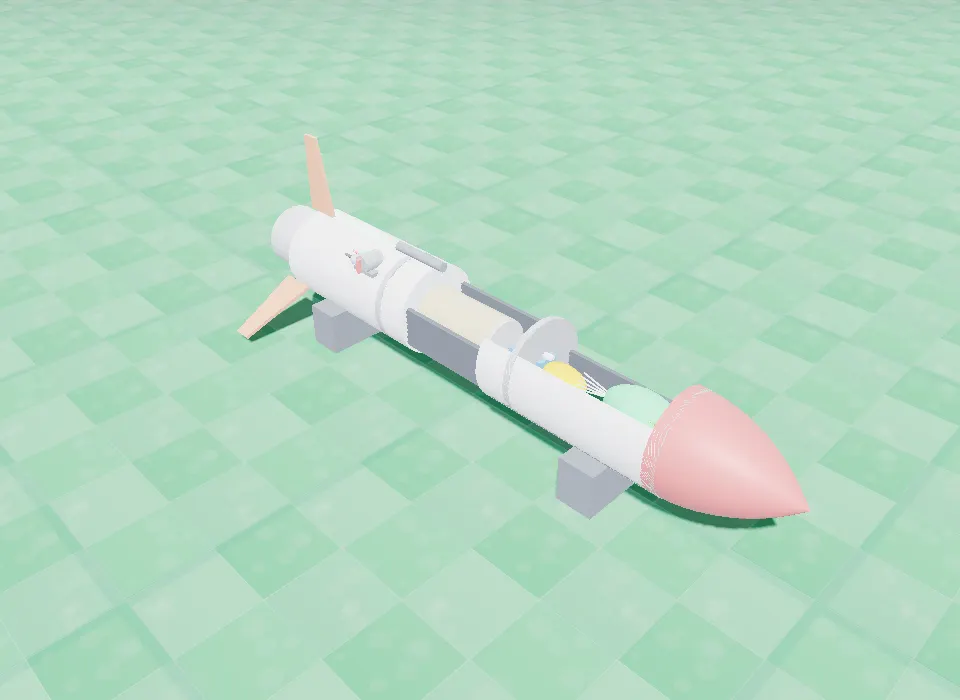
A flight you program
The rocket decides in the air: when the stage burns out, when it is at the top, when to let the parachute out.
Physics you can see go wrong
Leave off the fins and it tumbles. Add payload and every gram costs height.
No launch site, no risk
Students launch as often as they want, with nothing to burn and nothing to lose.
How the rocket works
Stage 1 lifts it off the pad and burns out; the empty stage drops and stage 2 lights. The altimeter (a BMP280) tells the flight computer how high it is, so it can tell the top of the flight, apogee, when the climb stops. A small drogue parachute comes out at apogee and the big main one low down.
Fins keep it pointing the way it flies; without them it tumbles. Nothing fires until the arming switch is on.
Parts you build it from
Airframe, nose cone and fin set
The body, the shape that meets the air, and the fins that keep it straight.
Stage 1 and stage 2 motors
A booster to lift off, a sustainer that lights after staging.
Flight computer (ESP32, 2 pyro channels)
Runs the flight program and fires each stage.
BMP280 altimeter
Finds apogee from the air pressure.
Igniters and arming switch
One igniter per stage; no pyro fires without the switch.
Drogue and main parachutes, separation servo
Out at apogee, and big and low for landing.
Wiring
These are the connections the lab checks before it lets the rocket run.
| From | To |
|---|---|
| Battery + / − | Flight computer VIN / GND |
| Altimeter 3V3 / GND / SDA / SCL | Flight computer 3V3 / GND / SDA / SCL |
| Igniter 1 / Igniter 2 | Pyro channel 1 / Pyro channel 2 (returns to GND) |
| Servo signal / V+ / GND | Flight computer / 3V3 / GND |
| Arming switch | Arm input (and GND) |
| GPS, gimbal (optional) | Flight computer |
Code it with blocks
The flight is coded with blocks: arm the pyros, light stage 1, wait until it burns out, drop the empty stage, wait for the top, let the parachute out, come down properly, big chute at 150 m, with questions it can ask in the air like it is going up or it is at the top.
Try this in the lab
- Fly it without fins. What happens and why?
- Add payload mass. How much height does each gram cost?
- Open the parachute before apogee. What goes wrong?
- Code the full flight: lift-off, staging, apogee, drogue and main chute.
Rocket: common questions
What does the model rocket simulator teach?
Thrust and staging, why fins keep a rocket stable, how an altimeter finds apogee, and how to code a flight that decides in the air.
What is apogee?
The highest point of the flight, where the rocket stops climbing. The flight computer finds it from the altimeter and opens the drogue parachute there.
Is it safe for schools?
Yes: it is entirely simulated in the browser. Nothing is launched or burnt.
Is the rocket free?
Its first room is open with a free account; the full rocket comes with a paid plan.
Other robots in the lab
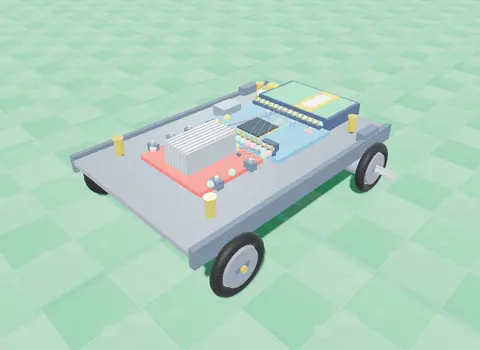
Line Follower
Two IR sensors under the chassis watch a black track; the Arduino drives one wheel faster to stay on it.
Line Follower
Obstacle Avoider
An ultrasonic sensor measures the distance ahead; an L298N driver and your code make it turn away from walls.
Obstacle Avoider
Robotic Arm
Three servo joints and a gripper: program a pick-and-place sequence and work out where the hand goes from two angles.
Robotic Arm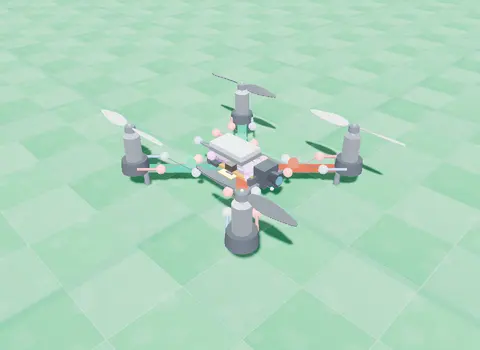
Nano Drone
A small quadcopter: learn lift and thrust, then take off, turn, hover and land with blocks you write.
Open the Nano Drone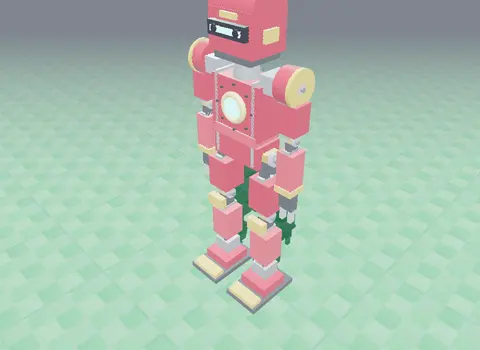
Humanoid
A servo-driven walking robot with real torque limits and friction: tune its balance until it walks.
HumanoidBuild the rocket today. No kit, no installs.