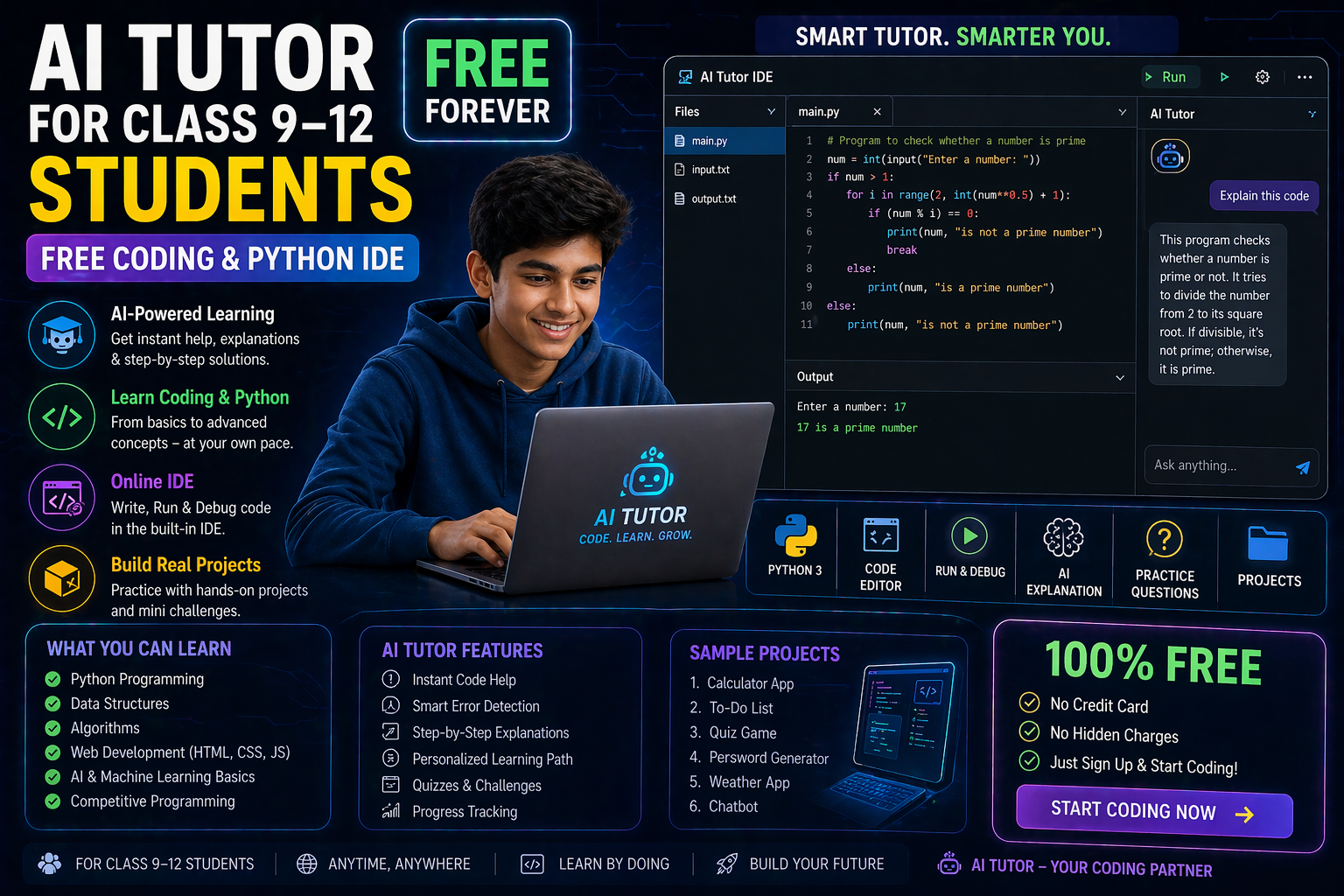
You’ve probably heard about deep learning and neural networks, but have you ever wanted to build and experiment with them in real time without writing code? That’s exactly what a deep learning playground lets you do. In 2026, platforms like SPYRAL AI Workbench are making AI accessible to students in Class 9–12, aligning perfectly with the CBSE AI curriculum and NEP 2020’s vision of experiential learning.
Imagine dragging and dropping layers to create a neural network, adjusting hyperparameters with sliders, and watching your model train and make predictions — all in your browser. No complex installations, no syntax errors, just pure discovery. Whether you're a student exploring AI for the first time or a teacher looking for hands-on tools to bring AI to life in the classroom, a deep learning playground is your gateway to understanding how artificial intelligence really works.
Why This Matters: AI Is the Future — and You Can Start Today
India’s National Education Policy (NEP) 2020 emphasizes experiential learning, computational thinking, and AI literacy from an early age. The CBSE AI curriculum for Classes 9–12 now includes modules on neural networks, machine learning, and data science — but traditional textbooks often leave students wondering, “How does this actually work?”
A deep learning playground changes that. It turns abstract concepts into interactive experiences. Instead of memorizing the architecture of a convolutional neural network, you can build one layer by layer, see how filters detect edges in images, and tweak parameters to improve accuracy. For teachers, it’s a way to demonstrate AI concepts in real time, assess student understanding through live experiments, and align lessons with curriculum outcomes. For students, it’s empowerment — the chance to feel like an AI scientist.
According to a 2025 report by the Ministry of Education, Government of India, over 60% of CBSE schools are integrating AI tools into their teaching, with a focus on interactive platforms that support the NEP 2020 competency-based framework. A deep learning playground fits right in — it’s not just a tool; it’s a learning ecosystem.
Deep Learning Playground: What Is It Really?
A deep learning playground is an interactive web-based environment where users can design, train, and evaluate neural networks visually. Think of it as a sandbox for AI — a place where you can experiment with architectures, datasets, and training processes without the overhead of coding or installing software.
In 2026, platforms like SPYRAL AI Workbench have evolved far beyond simple demos. They now support:
- Pre-loaded datasets (e.g., MNIST for handwritten digits, CIFAR-10 for image classification)
- Drag-and-drop neural network builders (CNNs, RNNs, MLPs)
- Real-time training visualizations (loss curves, accuracy graphs, confusion matrices)
- Hyperparameter tuning sliders (learning rate, batch size, epochs)
- Model export options (download trained models for further use)
This isn’t just a simulation — it’s a fully functional AI lab that runs in your browser using TensorFlow.js under the hood. That means no server setup, no waiting for cloud instances, and full privacy for school use.
How It Differs from Traditional Coding
Most AI tutorials start with code:
model = Sequential()
model.add(Dense(64, activation='relu'))
model.add(Dense(10, activation='softmax'))
model.compile(optimizer='adam', loss='categorical_crossentropy')
But what if you don’t know Python? What if you want to see what happens when you change the number of layers before writing a single line? A deep learning playground lets you do that. You build the model visually, run it, and get instant feedback. Only when you’re ready do you dive into the code — and even then, the playground can generate it for you.
This approach aligns with the constructionist learning theory, where students learn by doing and reflecting. It’s especially powerful for visual and kinesthetic learners, who make up a large portion of the student population in India.
Why “Playground”? Because Learning Should Be Fun
The word “playground” isn’t accidental. It signals that this space is for exploration, experimentation, and even play. In a deep learning playground, you’re encouraged to:
- Try crazy architectures just to see what happens
- Break things and learn from failures
- Compete with classmates to achieve the highest accuracy
- Share your models and results with others
This mirrors how real AI researchers work — iterating, testing, and refining. In the classroom, it turns AI from a scary black box into a friendly, interactive tool.
Neural Networks Syllabus: What You’ll Learn in the Playground
The CBSE AI curriculum for Classes 11–12 includes a module on neural networks and deep learning. A deep learning playground is the perfect companion to this syllabus. Here’s how it maps to key topics:
1. Introduction to Neural Networks
You’ll start by building a simple feedforward neural network with one hidden layer. In the playground, you can:
- Add and remove layers using drag-and-drop
- Adjust the number of neurons per layer
- Choose activation functions (ReLU, Sigmoid, Tanh)
- See how the network responds to input data
This helps you understand the basic building block of AI — the artificial neuron — without getting lost in equations.
2. Convolutional Neural Networks (CNNs) for Image Recognition
One of the most exciting applications of deep learning is in computer vision. In the playground, you can build a CNN from scratch to classify images from datasets like MNIST or CIFAR-10.
You’ll learn how:
- Convolutional layers detect features (edges, textures)
- Pooling layers reduce dimensionality
- Fully connected layers make final predictions
You can even upload your own images and test the model — a feature that makes AI feel real and personal.
3. Recurrent Neural Networks (RNNs) for Sequences
Want to predict the next word in a sentence or analyze time-series data? The playground supports RNNs and LSTMs — ideal for understanding how AI processes sequences.
You can train a simple RNN on a text dataset and watch how it learns patterns over time. This is especially relevant for students interested in NLP, chatbots, or even analyzing CBSE exam trends!
4. Hyperparameter Tuning and Overfitting
One of the trickiest parts of AI is tuning hyperparameters. In the playground, you can adjust:
- Learning rate
- Batch size
- Number of epochs
- Regularization (dropout, L2)
You’ll see how changing these values affects training loss and validation accuracy — and learn why overfitting happens when a model memorizes the training data instead of generalizing.
This hands-on experience makes abstract concepts like bias-variance tradeoff and regularization tangible.
5. Reinforcement Learning: Teaching AI to Make Decisions
Beyond supervised learning, the playground supports reinforcement learning playground environments where you can train an AI agent to play simple games (like CartPole or FrozenLake).
You’ll set up:
- Rewards and penalties
- Exploration vs. exploitation strategies
- Q-learning or policy gradient methods
This is perfect for students interested in robotics, game AI, or autonomous systems — and it’s a great way to see how AI learns from interaction, not just data.
Deep Learning Playground with TensorFlow: How It Works Under the Hood
You might be wondering: “How can a browser run a deep learning model?” The answer is TensorFlow.js — a JavaScript version of TensorFlow that runs entirely in the browser.
Here’s what happens when you use a deep learning playground with TensorFlow:
1. Model Architecture Design
You drag layers onto a canvas: input layer, hidden layers, output layer. Each layer has configurable properties (e.g., number of units, activation function). The playground generates the underlying TensorFlow.js code automatically.
2. Data Loading and Preprocessing
Datasets are pre-loaded and normalized. You can split data into training and testing sets with a slider. No need to write CSV parsers or worry about data formats.
3. Training in Real Time
The model trains in your browser. You see:
- A live loss curve
- Accuracy metrics
- Confusion matrices
- Prediction outputs
This real-time feedback is invaluable for learning — you can pause training, tweak parameters, and resume.
4. Model Evaluation and Export
Once trained, you can test the model on new data, visualize predictions, and even export the model as a JSON file to use in other projects.
Why TensorFlow?
TensorFlow is the most widely used deep learning framework in industry and academia. By learning with TensorFlow.js in a deep learning playground, students gain skills that are directly transferable to real-world AI development.
Plus, TensorFlow.js is open-source and free — so schools can use it without licensing concerns.
Meet the Machine Learning Park: A Hub for AI Exploration
The term machine learning park refers to a collection of interactive AI tools and simulations designed for educational use. Think of it as a virtual science park where each exhibit lets you explore a different AI concept.
In 2026, platforms like SPYRAL AI & Robotics Lab are building the ultimate machine learning park, featuring:
- Neural Network Builder – Design and train models
- Reinforcement Learning Playground – Teach AI agents to solve problems
- Data Explorer – Visualize datasets and patterns
- AI Ethics Simulator – Explore bias, fairness, and responsible AI
- AI Ethics Syllabus Companion – Align lessons with CBSE AI curriculum
Each “exhibit” in the machine learning park is designed to be self-contained, curriculum-aligned, and fun. Students can rotate through stations, just like in a real science lab — but instead of Bunsen burners, they’re using neural networks.
Teachers can use the machine learning park to:
- Run AI workshops
- Assign project-based learning tasks
- Assess student understanding through interactive quizzes
- Connect AI concepts to real-world applications (e.g., healthcare, robotics, finance)
It’s a scalable solution for schools looking to implement NEP 2020’s vision of experiential, interdisciplinary learning.
What If You Changed This? 3 Real Experiments to Try
One of the best ways to learn in a deep learning playground is to break things — intentionally. Here are three experiments you can run right now to deepen your understanding:
Experiment 1: Add Too Many Layers — What Happens?
What to do: Build a CNN with 10 convolutional layers and train it on MNIST.
What you’ll see: The model might start overfitting — achieving 100% training accuracy but poor test accuracy. You’ll observe how the loss curve behaves and why deeper isn’t always better.
What you’ll learn: The importance of model complexity, regularization, and the bias-variance tradeoff.
Experiment 2: Change the Learning Rate — Too High? Too Low?
What to do: Train the same model with learning rates of 0.1, 0.01, and 0.001.
What you’ll see: With a high learning rate (e.g., 0.1), the loss might oscillate wildly or even explode. With a low rate (e.g., 0.001), training will be slow and may get stuck.
What you’ll learn: How learning rate affects convergence and the concept of gradient descent dynamics.
Experiment 3: Use the Wrong Activation Function — ReLU vs. Sigmoid
What to do: Train a network using Sigmoid activation in hidden layers instead of ReLU.
What you’ll see: The model may train very slowly or fail to converge due to the vanishing gradient problem.
What you’ll learn: Why ReLU is preferred in deep networks and the limitations of traditional activation functions.
These experiments turn abstract theory into tactile, memorable experiences — exactly what a deep learning playground is designed for.
Try This Simulation Free
Open the interactive simulation on anAIza School — no download, no signup needed.
Open Simulation →Change the variables yourself — see what happens in real time.