Home›
Blog›
Machine Learning Park 2026: Build AI Models Like a Pro (Free CBSE Simulations)
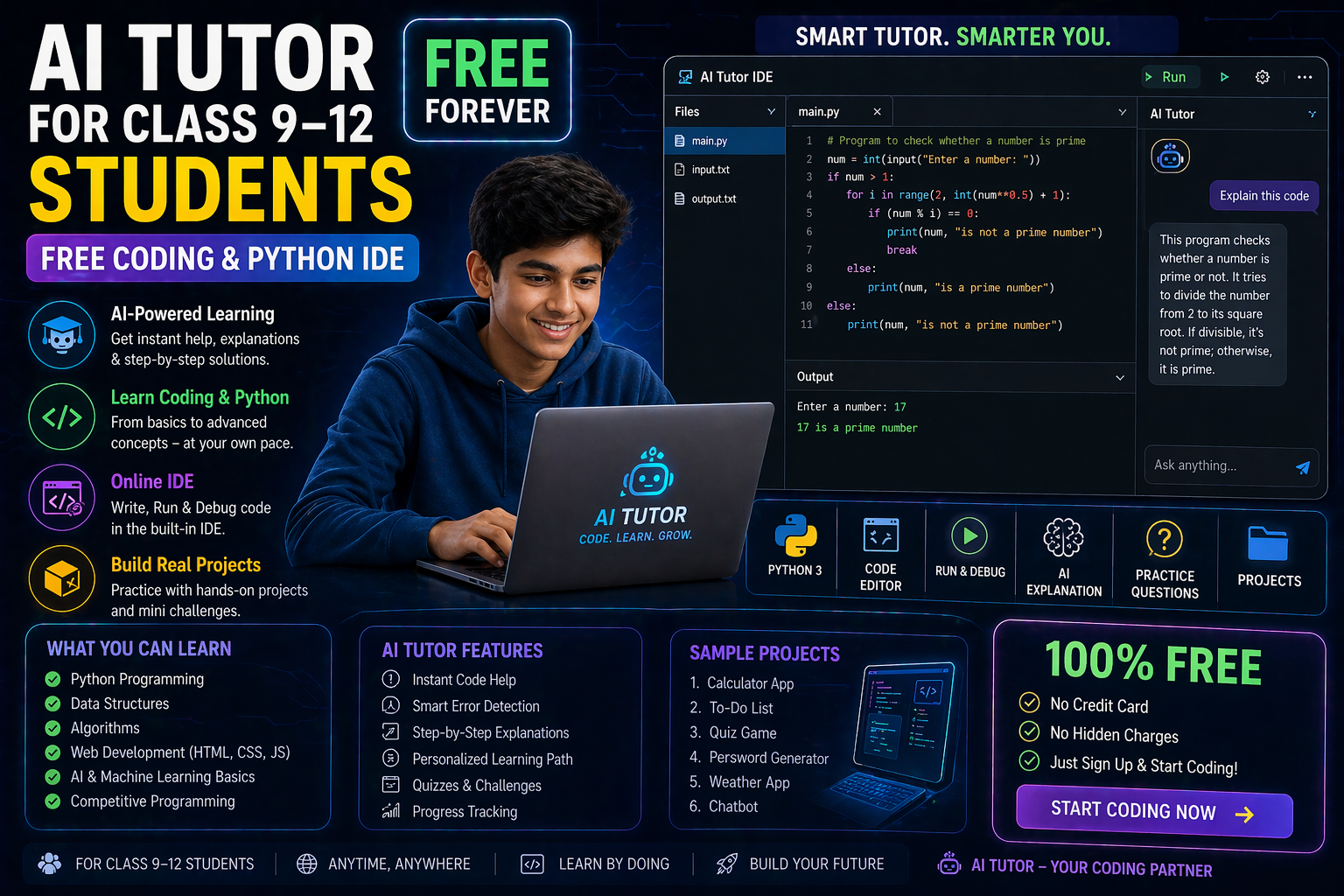
You’ve probably heard about machine learning—AI that learns from data—but have you ever built your own model? In 2026, the Machine Learning Park is changing the game for students in Class 9–12. It’s not just another online course. It’s a free, interactive playground where you can train AI models, tweak neural networks, and explore real-world AI ethics—all through hands-on simulations that feel like a game. Whether you're preparing for your CBSE AI subject or just curious about how AI works, this is your chance to see and feel AI in action, not just read about it.
Teachers, too, can use the Machine Learning Park to bring AI to life in their classrooms. No more abstract theories—students can experiment with datasets, adjust hyperparameters, and watch their models learn in real time. It’s like a physics lab, but for AI. And the best part? It’s aligned with the NEP 2020 and CBSE AI curriculum, so you’re not just playing—you’re learning what matters for your exams and future.
Why This Matters: AI Isn’t Just for Experts Anymore
AI is reshaping industries, from healthcare to finance, and India’s education system is taking notice. The National Education Policy (NEP) 2020 emphasizes computational thinking and AI literacy from an early age. But here’s the catch: most AI tools are either too complex or too boring for students. They either require advanced coding skills or offer dry, theoretical explanations. That’s where the Machine Learning Park comes in. It bridges the gap by making AI accessible, interactive, and—dare we say—fun. Students in Class 9–12 can now:
- Build AI models without writing code—drag, drop, and train like a scientist.
- Explore neural networks visually—see how layers connect and weights change as your model learns.
- Experiment with real datasets—from weather patterns to student performance, the data is real, and the results are instant.
- Learn AI ethics by doing—not just memorizing policies, but seeing the consequences of biased AI in real time.
For teachers, this means no more struggling to explain abstract concepts. With the Machine Learning Park, you can show your students how AI works, not just tell them. It’s a game-changer for schools adopting the CBSE AI subject or integrating AI into STEM labs. And because it’s free and web-based, there’s no software to install—just open your browser and start learning.
Machine Learning Park 2026: What’s Inside the AI Playground?
The Machine Learning Park isn’t a single tool—it’s a suite of interactive simulations designed to teach AI from the ground up. Here’s what you’ll find inside:
1. The AI Workbench: Build Models Without Code
Forget complex Python libraries or Jupyter notebooks. The AI Workbench in the Machine Learning Park lets you build, train, and test AI models using a simple drag-and-drop interface. You can:
- Choose your model type: Classification, regression, clustering—pick what fits your data.
- Upload your dataset: Use built-in examples or upload your own CSV file. The system even cleans and normalizes your data for you.
- Train your model: Adjust hyperparameters like learning rate and epochs with sliders. Watch as the model’s accuracy improves in real time.
- Test and evaluate: See confusion matrices, ROC curves, and prediction outputs—all visualized for you.
This isn’t just a toy. It’s a real machine learning environment, simplified for students. And because it’s part of the SPYRAL AI & Robotics Lab, you can save your projects and revisit them later. Teachers can even track student progress through the built-in dashboard.
2. Neural Network Visualizer: See the Magic of Deep Learning
Neural networks are the backbone of modern AI, but they’re often taught as a black box. The Neural Network Visualizer in the Machine Learning Park changes that. You can:
- Build a neural network layer by layer: Add input, hidden, and output layers. Adjust the number of neurons and activation functions.
- Watch weights update in real time: See how the network learns by adjusting connections between neurons.
- Experiment with backpropagation: Toggle on the backpropagation feature and watch as the network corrects its mistakes.
- Compare architectures: Try a simple perceptron vs. a deep network. See which one performs better on your dataset.
This is how you truly understand neural networks—not by memorizing formulas, but by seeing how they work. And because it’s interactive, you can pause, rewind, and experiment as much as you want. It’s the perfect tool for students studying the neural networks syllabus in Class 11–12.
⚗
Try This Simulation Free
Open the interactive simulation on anAIza School — no download, no signup needed.
Open Simulation →Change the variables yourself — see what happens in real time.
AI isn’t just about accuracy—it’s about fairness, transparency, and ethics. But how do you teach AI ethics in a way that sticks? The AI Ethics Simulator in the Machine Learning Park puts students in real-world scenarios where they must make ethical decisions about AI. For example:
- Bias in hiring algorithms: You’re given a dataset of job applicants. Train an AI model to predict who gets hired. But is the model fair? Adjust the dataset and see how bias creeps in.
- Privacy vs. personalization: Train a recommendation system for a social media app. How much data should you use? See the trade-offs between accuracy and privacy.
- Autonomous vehicles: Program a self-driving car to make split-second decisions in a crash scenario. What’s the ethical choice?
After each scenario, the simulator provides a detailed explanation of the ethical implications, linking back to real-world cases like facial recognition bias or algorithmic hiring discrimination. This isn’t just theory—it’s applied ethics, and it’s a core part of the AI ethics class 11 syllabus in many CBSE schools.
Teachers can use this tool to spark discussions about AI ethics policy in the classroom. What should governments regulate? How can developers build fair AI? The simulator doesn’t just give answers—it encourages critical thinking.
4. The AI Ethics Policy Builder: Create Your Own Guidelines
Want to go beyond theory? The AI Ethics Policy Builder lets students draft their own AI ethics guidelines for a fictional tech company. You’ll:
- Define ethical principles: What values matter most—fairness, transparency, accountability?
- Write policy statements: How will your company ensure AI is used responsibly?
- Test your policy: Apply it to real-world scenarios and see if it holds up.
- Compare with global standards: See how your policy stacks up against the EU AI Act or UNESCO’s AI ethics guidelines.
This is where students transition from learning about AI ethics to shaping it. It’s a powerful way to prepare for debates, projects, and even future careers in AI policy or development.
How the Machine Learning Park Aligns with CBSE and NEP 2020
The Machine Learning Park isn’t just another edtech tool—it’s designed to fit seamlessly into India’s education ecosystem. Here’s how it supports the CBSE AI subject and NEP 2020:
For Students: Hands-On Learning That Prepares You for Exams
The CBSE AI curriculum for Class 9–12 covers topics like machine learning, neural networks, and AI ethics. But textbooks can only go so far. The Machine Learning Park brings these concepts to life:
- Machine Learning (Class 12): Build models, understand supervised vs. unsupervised learning, and see how algorithms like decision trees and k-means clustering work.
- Neural Networks (Class 11–12): Visualize how neurons fire, how backpropagation works, and why deep learning is so powerful.
- AI Ethics (Class 11): Explore real-world case studies, debate ethical dilemmas, and draft your own AI policies.
- Python and AI (Class 12): For students learning to code, the AI Workbench generates Python code for your models—so you can see what’s happening under the hood.
By the time you finish, you won’t just know AI—you’ll understand it. And that’s exactly what the CBSE AI subject is testing.
For Teachers: A Complete AI Lab in One Platform
Teachers often struggle to find resources that align with the NEP 2020’s emphasis on experiential learning. The Machine Learning Park solves that problem:
- Curriculum-mapped lessons: Each simulation comes with pre-built lesson plans, worksheets, and assessment questions tailored to the CBSE AI syllabus.
- Progress tracking: Monitor student performance in real time. See who’s struggling with neural networks or excelling in AI ethics.
- Differentiation tools: Assign different datasets or scenarios based on student ability. Advanced students can dive into hyperparameter tuning, while beginners start with simple models.li>
- No setup required: Unlike traditional AI labs that require software installation, the Machine Learning Park runs in your browser. Just share the link with your class.
It’s like having a physics lab for AI—without the cost or complexity. And because it’s free, schools can adopt it without budget constraints.
What If You Changed This? 3 Experiments to Try in the Machine Learning Park
The best way to learn AI is by experimenting. Here are three what-if scenarios to try in the Machine Learning Park. Change one variable at a time and observe the results:
1. What If You Change the Learning Rate?
In the AI Workbench, train a simple classification model on the Iris dataset. Start with a learning rate of 0.01. What happens when you increase it to 0.1? Or decrease it to 0.001?
- Too high (e.g., 0.1): The model might overshoot the optimal weights, leading to erratic loss curves and poor accuracy.
- Too low (e.g., 0.001): Training takes forever, and the model might get stuck in a local minimum.
- Just right (e.g., 0.01): Smooth convergence, high accuracy.
This teaches you why hyperparameter tuning is crucial—a key concept in the neural networks syllabus.
2. What If You Remove Hidden Layers?
In the Neural Network Visualizer, build a model to classify handwritten digits (MNIST dataset). Start with a deep network (e.g., 3 hidden layers). Now, remove all hidden layers and train a single-layer perceptron. What’s the difference in accuracy?
- Single-layer perceptron: Struggles with complex patterns like handwritten digits.
- Deep network: Captures intricate features, leading to higher accuracy.
This experiment highlights why deep learning is so powerful—and why it’s a core topic in AI education.
3. What If Your Dataset Is Biased?
In the AI Ethics Simulator, use the hiring bias scenario. Start with a balanced dataset where 50% of applicants are qualified. Now, introduce a bias: 80% of qualified applicants are male. Train your model and see what happens.
- Biased dataset: The model learns to favor male candidates, even if gender isn’t a factor in the data.
- Fair dataset: The model makes unbiased predictions.
This isn’t just a simulation—it’s a real-world lesson in AI ethics and the importance of fair data collection. It’s exactly the kind of scenario discussed in AI ethics class 11.
Frequently Asked Questions
What is the Machine Learning Park in 2026?
The Machine Learning Park is a free, interactive AI playground designed for students and teachers. It includes tools like the AI Workbench, Neural Network Visualizer, and AI Ethics Simulator—all aligned with the CBSE AI curriculum and NEP 2020. You can build models, experiment with neural networks, and learn AI ethics without writing code.
How does the Machine Learning Park help with AI ethics class 11?
The Machine Learning Park includes an AI Ethics Simulator where students can explore real-world ethical dilemmas, such as bias in hiring algorithms or privacy in recommendation systems. It also includes a Policy Builder where students can draft their own AI ethics guidelines. These tools are designed to make abstract ethical concepts tangible and engaging.
Can I get AI ethics class 11 notes from the Machine Learning Park?
Yes! Each simulation in the Machine Learning Park comes with built-in explanations and notes tailored to the AI ethics class 11 syllabus. You’ll find summaries of key concepts like fairness, transparency, and accountability, along with real-world examples and discussion questions. Teachers can also download lesson plans and worksheets.
What are some AI ethics examples I can explore in the Machine Learning Park?
The Machine Learning Park includes scenarios like:
- Bias in facial recognition systems
- Privacy concerns in social media recommendation algorithms
- Ethical dilemmas in autonomous vehicles
- Fairness in hiring AI tools
Each scenario includes an interactive simulation where you can see the consequences of different ethical choices and learn how to mitigate bias and other issues.
Is the Machine Learning Park aligned with the neural networks syllabus for Class 11–12?
Absolutely. The Neural Network Visualizer lets you build and experiment with neural networks layer by layer, adjusting parameters like activation functions, learning rates, and backpropagation. It covers key topics in the neural networks syllabus, including perceptrons, multi-layer networks, and deep learning. You’ll see how weights update in real time, making abstract concepts concrete.
How does the Machine Learning Park support the AI ethics policy in schools?
The Machine Learning Park includes a Policy Builder tool where students can draft their own AI ethics policies for a fictional tech company. They can define ethical principles, write policy statements, and test their policies against real-world scenarios. This aligns with the growing emphasis on AI ethics policy in education and prepares students for future careers in AI governance or development.
Do I need to know coding to use the Machine Learning Park?
No coding is required! The AI Workbench and Neural Network Visualizer use a drag-and-drop interface, making them accessible to students in Class 9–12. However, for students learning to code, the AI Workbench can generate Python code for your models, so you can see what’s happening under the hood.
Is the Machine Learning Park free for CBSE students and schools?
Yes! The Machine Learning Park is completely free for students and schools. There’s no signup required for guest access, and all simulations run in your browser. Teachers can use the built-in dashboard to track student progress and assign lessons aligned with the CBSE AI curriculum.
How does the Machine Learning Park fit into the NEP 2020 framework?
The National Education Policy (NEP) 2020 emphasizes experiential learning, computational thinking, and AI literacy. The Machine Learning Park supports these goals by providing hands-on, interactive simulations that teach AI concepts in a way that’s engaging and accessible. It’s designed to integrate seamlessly into classrooms, helping schools adopt the NEP 2020’s vision of future-ready education.
Can teachers use the Machine Learning Park to teach the CBSE AI subject?
Yes! The Machine Learning Park includes pre-built lesson plans, worksheets, and assessment questions tailored to the CBSE AI subject syllabus. Teachers can use the simulations to demonstrate concepts like machine learning, neural networks, and AI ethics, and track student progress through the dashboard. It’s like having a virtual AI lab in your classroom.
What datasets can I use in the Machine Learning Park?
The Machine Learning Park includes built-in datasets like Iris, MNIST, and Titanic, as well as tools to upload your own CSV files. You can also simulate datasets for scenarios like student performance or weather patterns. This flexibility lets you explore real-world applications of AI in fields like biology, economics, and environmental science.
How can I share my projects from the Machine Learning Park?
You can save your projects in the Machine Learning Park and revisit them later. Teachers can also export student work for grading or discussion. While the platform doesn’t have a built-in sharing feature, you can take screenshots or record your simulations to share with classmates or present in projects.
Is the Machine Learning Park better than PhET for learning AI?
PhET is a fantastic resource for physics and chemistry simulations, but it doesn’t cover AI in depth. The Machine Learning Park is specifically designed for AI education, with tools like the AI Workbench, Neural Network Visualizer, and AI Ethics Simulator. It’s more comprehensive, curriculum-aligned, and interactive—making it a better fit for students and teachers exploring AI in Class 9–12.
Where can I learn more about AI ethics for students?
For more resources on AI ethics for students, check out these authoritative sources: