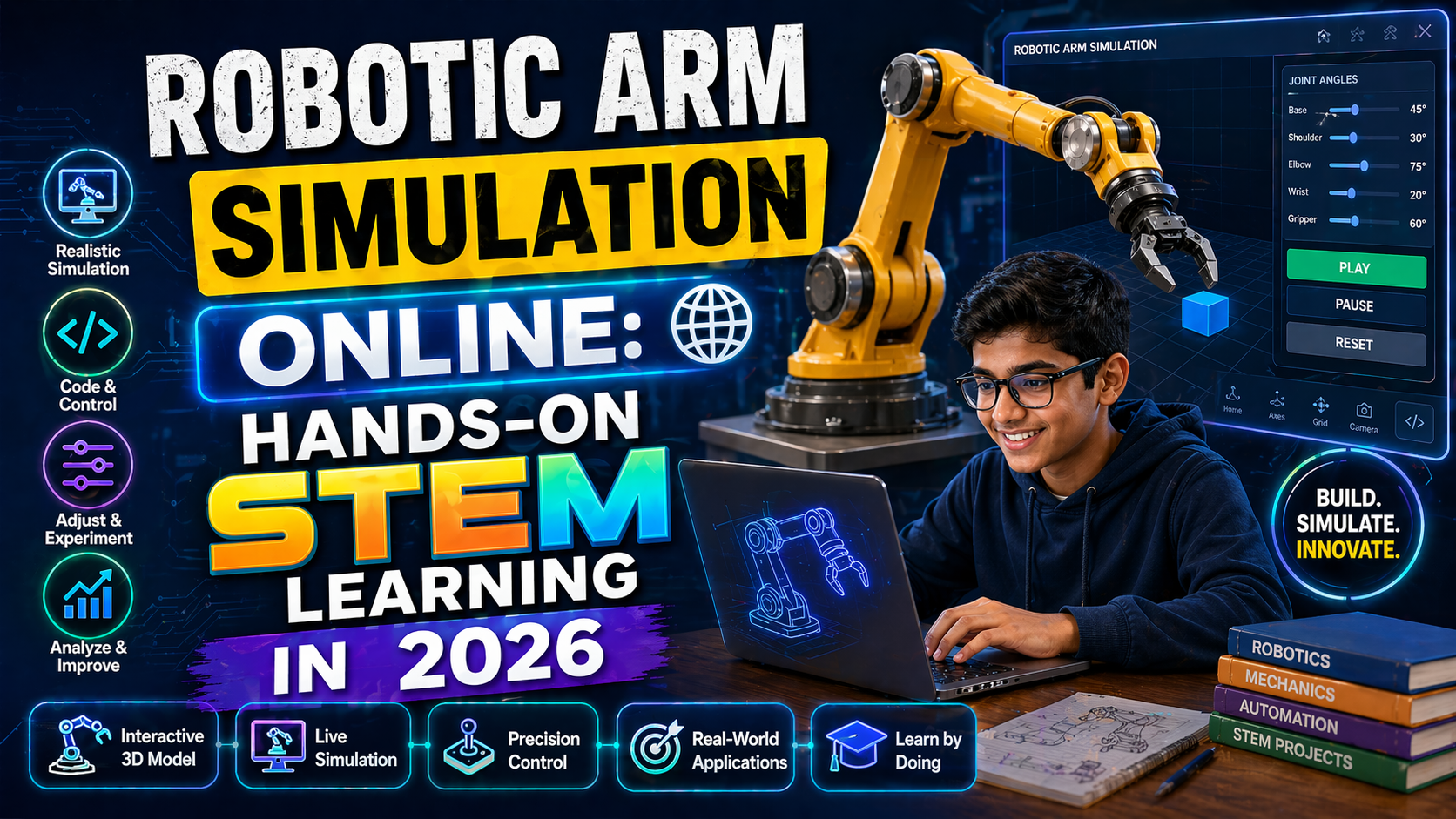
As India’s education system embraces NEP 2020, schools and students are increasingly turning to robotics and AI to foster innovation and practical learning. A 3D robotic arm is one of the most versatile tools for STEM education, enabling hands-on experience in mechanics, programming, and automation. In 2026, accessing a high-quality 3D robotic arm model for free has never been easier, thanks to AI-powered platforms like SPYRAL AI & Robotics Lab.
In this guide, we’ll explore where to find a 3D robotic arm free download in 2026, how to use it for classroom projects, and why it’s a game-changer for Indian schools aligning with the National Education Policy. Whether you're a student, teacher, or school administrator, this resource will help you integrate robotics into your curriculum seamlessly.
Why a 3D Robotic Arm is Essential for STEM Education in 2026
The integration of robotics in education is no longer optional—it’s a necessity. According to NEP 2020, schools must prioritize experiential learning, critical thinking, and multidisciplinary skills. A 3D robotic arm serves as a perfect tool to achieve these goals by:
- Enhancing Practical Learning: Students move beyond textbooks to build, program, and test real-world robotic systems.
- Developing Coding & AI Skills: Platforms like SPYRAL’s AI Workbench allow students to write code (Python, Blockly) to control the robotic arm, introducing them to automation and AI.
- Encouraging Collaboration: Robotics projects foster teamwork, problem-solving, and creativity—skills highly valued in the 21st-century workforce.
- Aligning with NEP 2020: The policy emphasizes vocational training and exposure to emerging technologies, making robotics a key component of modern education.
By 2026, schools that adopt robotics early will not only enhance student engagement but also prepare them for careers in AI, automation, and engineering—fields projected to grow exponentially in India.
Where to Find a Free 3D Robotic Arm Download in 2026
Finding a reliable source for a 3D robotic arm model can be challenging, especially when you need it to be free, customizable, and education-friendly. Here are the best platforms to download a 3D robotic arm in 2026:
1. SPYRAL AI & Robotics Lab (Recommended for Indian Schools)
SPYRAL’s AI & Robotics Lab offers a free 3D robotic arm model designed specifically for Indian students and schools. The platform provides:
- Pre-built 3D Models: Download and customize robotic arm designs for classroom use.
- Simulation Tools: Test your robotic arm in a virtual environment before building it physically.
- AI-Powered Coding: Use SPYRAL’s AI Workbench to program the arm with drag-and-drop blocks or Python code.
- NEP 2020-Aligned Curriculum: Lesson plans and projects mapped to CBSE and state board standards.
No signup is required for guest access—just visit the platform and start exploring!
2. GrabCAD (Community-Driven 3D Models)
GrabCAD is a popular repository for 3D models, including robotic arms. While not all models are free, you can find high-quality designs under Creative Commons licenses. Look for models labeled for educational use.
Pro Tip: Filter by "Free Downloads" and check user ratings to ensure the model is reliable.
3. Thingiverse (Open-Source Designs)
Thingiverse by MakerBot offers a wide range of 3D-printable robotic arm designs. Many are open-source and free to download. However, you’ll need access to a 3D printer to bring the design to life.
Note: While Thingiverse provides physical models, SPYRAL’s platform focuses on digital simulation and AI integration, making it ideal for schools without 3D printing facilities.
4. NASA’s Robotics Alliance Project
NASA’s Robotics Alliance Project offers educational resources, including 3D models of robotic arms used in space missions. These models are free and designed for educational purposes, though they may require some adaptation for classroom use.
How to Use a 3D Robotic Arm in Your Classroom (2026 Guide)
Integrating a 3D robotic arm into your curriculum is simple with the right tools. Here’s a step-by-step guide for teachers and students:
Step 1: Download the 3D Model
Visit SPYRAL’s AI & Robotics Lab and download the pre-built 3D robotic arm model. The platform supports multiple file formats (STL, OBJ, etc.) for compatibility with 3D printers or simulation tools.
Step 2: Simulate the Robotic Arm
Use SPYRAL’s built-in simulation engine to test the robotic arm’s movements virtually. This allows students to experiment with kinematics, angles, and force without physical constraints.
Step 3: Program the Robotic Arm
With SPYRAL’s AI Workbench, students can program the robotic arm using:
- Block-Based Coding: Ideal for beginners (no prior coding experience needed).
- Python Scripting: For advanced students to write custom algorithms.
- AI Integration: Use machine learning models to make the arm respond to voice commands or sensor inputs.
Step 4: Build and Test (Optional)
If your school has a 3D printer, you can export the model from SPYRAL and print the robotic arm. Alternatively, use the simulation to demonstrate concepts in class.
Step 5: Apply to Real-World Projects
Challenge students to use the robotic arm for projects like:
- Pick-and-Place Automation: Simulate a factory assembly line.
- Gripper Design: Experiment with different end-effectors for various tasks.
- AI-Powered Sorting: Use computer vision to sort objects by color or shape.
Benefits of Using SPYRAL’s Free 3D Robotic Arm for Schools
While there are many sources for 3D robotic arm models, SPYRAL stands out for Indian schools due to its AI integration, NEP 2020 alignment, and ease of use. Here’s why SPYRAL is the best choice in 2026:
1. No Cost, No Hassle
Unlike other platforms that require subscriptions or complex setups, SPYRAL offers a completely free 3D robotic arm download with no hidden fees. Guest access means you can start immediately.
2. AI-Powered Learning
SPYRAL’s AI Workbench provides real-time feedback on student projects, helping them debug code and improve their designs. This feature is particularly useful for teachers with limited robotics experience.
3. Curriculum-Aligned Projects
The platform includes lesson plans and projects mapped to CBSE, ICSE, and state board syllabi, ensuring compliance with NEP 2020’s emphasis on vocational training.
4. Scalable for All Class Sizes
Whether you’re teaching a single class or an entire school, SPYRAL’s cloud-based platform supports multiple users simultaneously. Teachers can assign projects, track progress, and provide feedback—all in one place.
5. Future-Ready Skills
By using SPYRAL, students gain exposure to AI, automation, and robotics—skills that are in high demand in India’s growing tech industry. This prepares them for careers in engineering, AI research, and beyond.
Try It Free on SPYRAL
Everything discussed in this article is available for free on SPYRAL AI & Robotics Lab. No signup required for guest access — just open it and start learning.
Explore SPYRAL AI & Robotics Lab →FAQs About 3D Robotic Arm Free Download (2026)
Is a 3D robotic arm suitable for Class 9–12 students?
Yes! SPYRAL’s platform is designed for students in Class 9–12, with age-appropriate projects and coding tools. Beginners can start with block-based coding, while advanced students can dive into Python and AI.
Do I need a 3D printer to use a 3D robotic arm model?
No! SPYRAL’s platform focuses on digital simulation, so you can use the robotic arm model without a 3D printer. However, if your school has a printer, you can export the model and bring it to life.
Can teachers without robotics experience use SPYRAL’s platform?
Absolutely. SPYRAL is designed to be teacher-friendly, with step-by-step guides, pre-built projects, and AI-powered assistance. The platform even provides lesson plans aligned with NEP 2020.
What file formats are supported for the 3D robotic arm download?
SPYRAL supports multiple formats, including STL, OBJ, and STEP, for compatibility with 3D printers and simulation tools. You can also export the model for use in other CAD software.
How does SPYRAL’s robotic arm align with NEP 2020?
SPYRAL’s platform is built to support NEP 2020’s goals by:
- Promoting experiential learning through robotics projects.
- Encouraging multidisciplinary skills (coding, AI, engineering).
- Providing vocational training opportunities for students.
- Offering AI-powered tools to enhance teaching and learning.
Is SPYRAL’s 3D robotic arm model safe for school use?
Yes. SPYRAL’s platform is COPPA-compliant and designed with student safety in mind. The simulation environment is sandboxed, and no personal data is required for guest access.