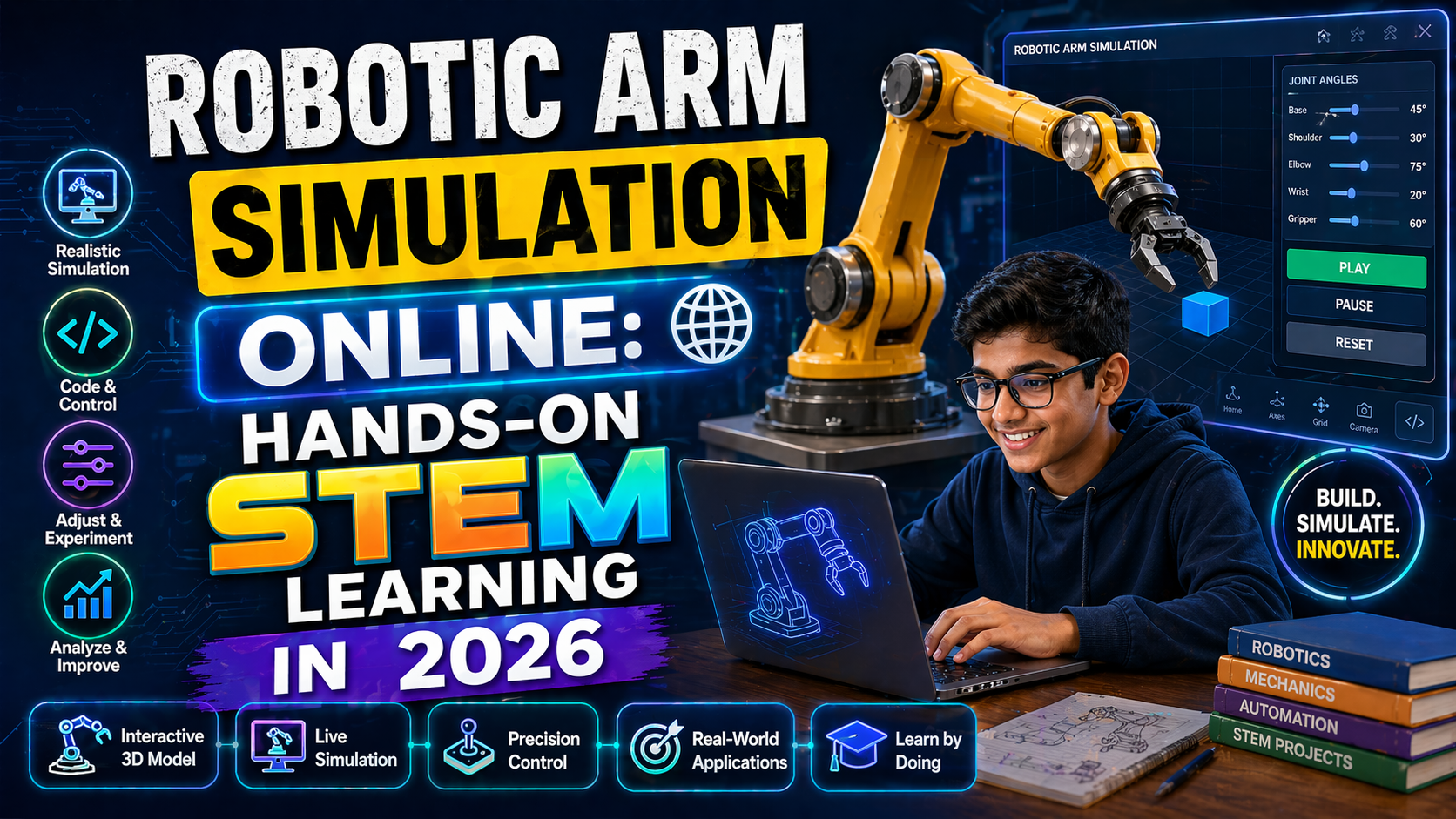
You’re building a robotics project for school, and you need a robotic arm free image to visualize your design—but every search pulls up blurry, low-res pictures or paywalled 3D models. What if you could not only download a high-quality robot arm free image but also simulate how it moves, test its reach, and even tweak its joints—all in one place, for free?
That’s exactly what an interactive robotic arm simulation lets you do. You don’t need expensive hardware or coding experience. With the right platform, you can download a robotic arm 3D free model, drop it into a virtual lab, and start experimenting—just like real engineers. Whether you're a student preparing for a CBSE robotics project, a teacher looking for NEP 2020-aligned STEM activities, or a parent supporting your child’s curiosity, this guide will show you where to find free robotic arm images and how to turn them into powerful learning moments with AI-powered simulations.
Why This Matters: Robotics in Indian Classrooms in 2026
Under the National Education Policy (NEP) 2020, robotics and AI are no longer optional—they’re core components of 21st-century learning. Schools across India are integrating robotics into science, math, and even vocational education. But access to real robotics kits is limited by cost and availability. That’s where free robotic arm images and simulations come in.
With a robot arm free image and a virtual lab, students can:
- Visualize robotic mechanics in 3D
- Test motion sequences without hardware
- Learn kinematics and control theory interactively
- Prepare for JEE, NEET, and CBSE robotics projects
Teachers can use these simulations to demonstrate concepts like torque, degrees of freedom, and inverse kinematics—all while staying within budget. And best of all, platforms like anAIza School by SPYRAL offer AI-powered explanations after every simulation, making complex topics accessible even to beginners.
Where to Find Robotic Arm Free Image and 3D Models
1. Open-Source 3D Model Repositories
Start with trusted repositories that offer robotic arm 3D free downloads under Creative Commons or open licenses:
- Sketchfab – Search for “robotic arm” and filter by “Free” and “3D.” Many models come with textures and are ready for simulation.
- GrabCAD – A community of engineers shares CAD models. Look for models labeled “educational” or “student-friendly.”
- Thingiverse – Great for beginner-friendly robotic arm designs, especially for 3D printing enthusiasts.
- NASA 3D Models – Includes robotic arms used in space missions. Highly accurate and free to use.
Pro Tip: When downloading a robot arm free image, check the license. Most allow educational use, but some require attribution. Always credit the creator in your project report.
2. Educational Platforms with Built-in Libraries
Some AI-powered learning platforms now include curated libraries of robotic arm free image assets and simulations. For example, anAIza School offers a built-in 3D model library with robotic arms pre-loaded into interactive labs. You can:
- Browse robotic arm models by complexity (2-DOF, 4-DOF, 6-DOF)
- View them in 3D from all angles
- Download the image or embed it directly into a simulation
This eliminates the need to search across multiple sites and ensures compatibility with the simulation engine.
3. AI-Generated Images and Models
Want a custom robotic arm image? Use AI tools like DALL-E or Stable Diffusion with prompts like:
“A high-resolution 3D render of a 6-DOF robotic arm, white and blue, isolated on white background, educational style, clean lines, suitable for STEM projects.”
You can then convert the image into a 3D model using tools like MeshLab or Blender (both free), or upload it to a simulation platform that accepts image-based models.
How to Turn a Robotic Arm Free Image into an Interactive Simulation
Step 1: Choose Your Simulation Platform
Not all simulations support image-based models. Look for platforms that allow:
- Uploading 3D models (OBJ, STL, GLTF formats)
- Adding joints and motors
- Running real-time physics
- AI-generated explanations after each action
anAIza School by SPYRAL meets all these criteria. It’s designed for Indian schools and supports CBSE, ICSE, and NEP 2020 curricula. You can import a robot arm free image as a 3D model, assign joints, and simulate motion—all in your browser, no software installation needed.
Step 2: Import the Model
Once you’ve downloaded a robotic arm 3D free model, upload it to your simulation platform. Most platforms accept common formats like:
- .OBJ – Wavefront format, widely supported
- .STL – Standard for 3D printing, also works for simulations
- .GLTF – Modern, lightweight, supports textures and animations
If your model is just an image (PNG/JPG), you’ll need to convert it to a 3D model first using a tool like Blender or Tinkercad.
Step 3: Set Up the Robot Arm in the Simulator
In the simulation platform:
- Import your 3D model.
- Define the joints (e.g., base, shoulder, elbow, wrist).
- Assign rotation limits and motor torque values.
- Add sensors (optional) like proximity or force sensors.
- Run the simulation and use the AI assistant to explain what’s happening.
For example, in anAIza School’s AI & Robotics Lab, the AI explains why the arm can’t reach a certain point or how changing the motor speed affects the end-effector’s path.
Step 4: Run and Analyze the Simulation
Now you can:
- Move the arm using sliders or code (Python or block-based)
- Record motion paths
- Export data (e.g., joint angles over time)
- Share your simulation with classmates or teachers
This hands-on approach turns a static robotic arm image into a dynamic learning experience.
Try This Simulation Free
Open the interactive simulation on anAIza School — no download, no signup needed.
Open Simulation →Change the variables yourself — see what happens in real time.