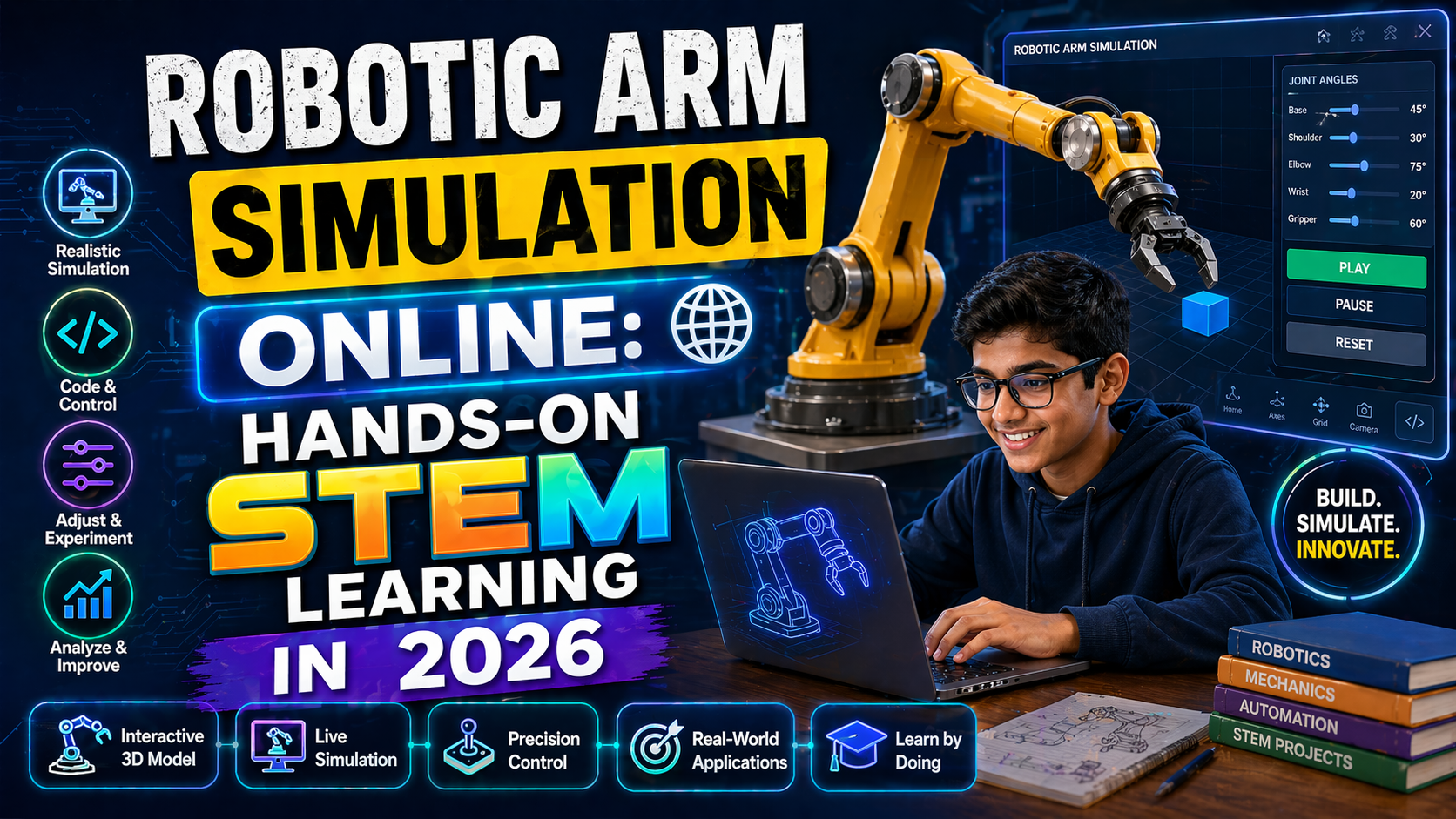
Need a robot arm free image for your next STEM project, classroom presentation, or 3D printing design? You’re not alone. Teachers, students, and robotics enthusiasts across India and the world are searching for high-quality, royalty-free images and 3D models of robotic arms to use in projects, simulations, and educational content. Whether you're preparing for a CBSE or ICSE robotics project under NEP 2020, designing a school exhibition model, or just exploring how robot arms work, having access to a reliable source of free robot arm images and interactive simulations can save you hours of time and spark endless creativity.
But here’s the problem: not all images are usable, and not all simulations help you *see* how a robot arm actually moves. That’s why we’re going beyond just offering a robot arm free image — we’re giving you a way to simulate, control, and understand robot arms in real time. With anAIza School by SPYRAL, you can not only download a robot arm 3D free model but also interact with it in a live simulation — no coding required. You’ll see how joints rotate, grippers open and close, and payloads move — all powered by AI explanations that make robotics concepts click instantly.
Ready to go from static image to interactive learning? Let’s dive in.
---Why a Robot Arm Free Image Isn’t Enough — You Need to See It Move
You’ve probably seen countless robot arm free image downloads online — PNGs, JPEGs, even vector files. They’re great for presentations, posters, or social media. But do they help you learn robotics? Do they show you how a robotic arm’s joints coordinate to pick up a block? Can you rotate the arm and see the physics in action?
Most likely, no.
That’s where interactive simulations come in. In 2026, the best way to learn robotics isn’t just to look at a picture — it’s to simulate a robot arm in real time. With anAIza School’s AI & Robotics Lab, you get:
- Free 3D robot arm models you can download and use in your projects
- Interactive robot arm simulations where you control the joints, speed, and payload
- AI-powered explanations after every action — why the arm moves the way it does, how torque works, and what happens if you change the weight
- Curriculum alignment with CBSE, ICSE, and NEP 2020 robotics and AI syllabi
- No signup required for guest access — just open and start learning
This is the future of STEM education: not just images, but living labs where you can experiment, fail, and learn — all for free.
How Indian Schools Are Using Robot Arm Simulations in 2026
Under NEP 2020, robotics and AI are now part of the school curriculum from Grade 6 onwards. Schools are setting up Atal Tinkering Labs (ATLs), but many face a common challenge: how to make robotics engaging and accessible without expensive hardware.
That’s where robot arm simulation for education comes in. Teachers are using interactive simulations to:
- Demonstrate inverse kinematics in real time
- Show how payload weight affects motor torque
- Run virtual competitions like line-following or block-picking
- Assess students through AI-generated quizzes based on their simulation results
With a robot arm free image as a starting point, students can then jump into the simulation to see the arm in motion — making abstract concepts tangible and fun.
---Where to Find a Robot Arm Free Image (And What to Look For)
Not all free robot arm image sources are created equal. Here’s what to consider when downloading:
1. Image Quality and Resolution
Look for high-resolution images (at least 1920x1080) that are clear and scalable. Avoid pixelated or watermarked images that can’t be used in presentations or printed materials.
2. License and Usage Rights
Always check the license. Use sources that offer CC0, Public Domain, or Creative Commons (CC-BY) licenses. Avoid sites that require attribution unless you’re okay with crediting the creator.
Recommended sources for robot arm free image downloads:
- Unsplash – High-quality, free-to-use images
- Pixabay – CC0 licensed images
- Pexels – Free stock photos
- Sketchfab – 3D models (some free)
3. 3D Models vs. 2D Images
For deeper learning, a robot arm 3d free download is ideal. You can:
- Import into Blender or Tinkercad for 3D printing
- Use in CAD software for design projects
- Animate in Unity or Unreal Engine
Sites like GrabCAD, Thingiverse, and Sketchfab offer free robot arm 3D models under Creative Commons licenses.
4. File Formats Matter
For images: PNG (transparent background), SVG (scalable vector), or JPEG (high res). For 3D: STL, OBJ, or GLTF (for web-based simulations).
---From Image to Interaction: Try a Robot Arm Simulation Online
Now, the real magic happens when you move beyond static images. With robot arm simulation online tools, you can:
- Rotate joints using sliders
- Adjust motor speed and torque
- Add payloads and see how the arm compensates
- Get AI explanations in real time
- Export your simulation as a video or report
This is where education meets innovation. Students aren’t just looking at a robot arm free image — they’re controlling it, testing it, and understanding it.
Try This Simulation Free
Open the interactive simulation on anAIza School — no download, no signup needed.
Open Simulation →Change the variables yourself — see what happens in real time.