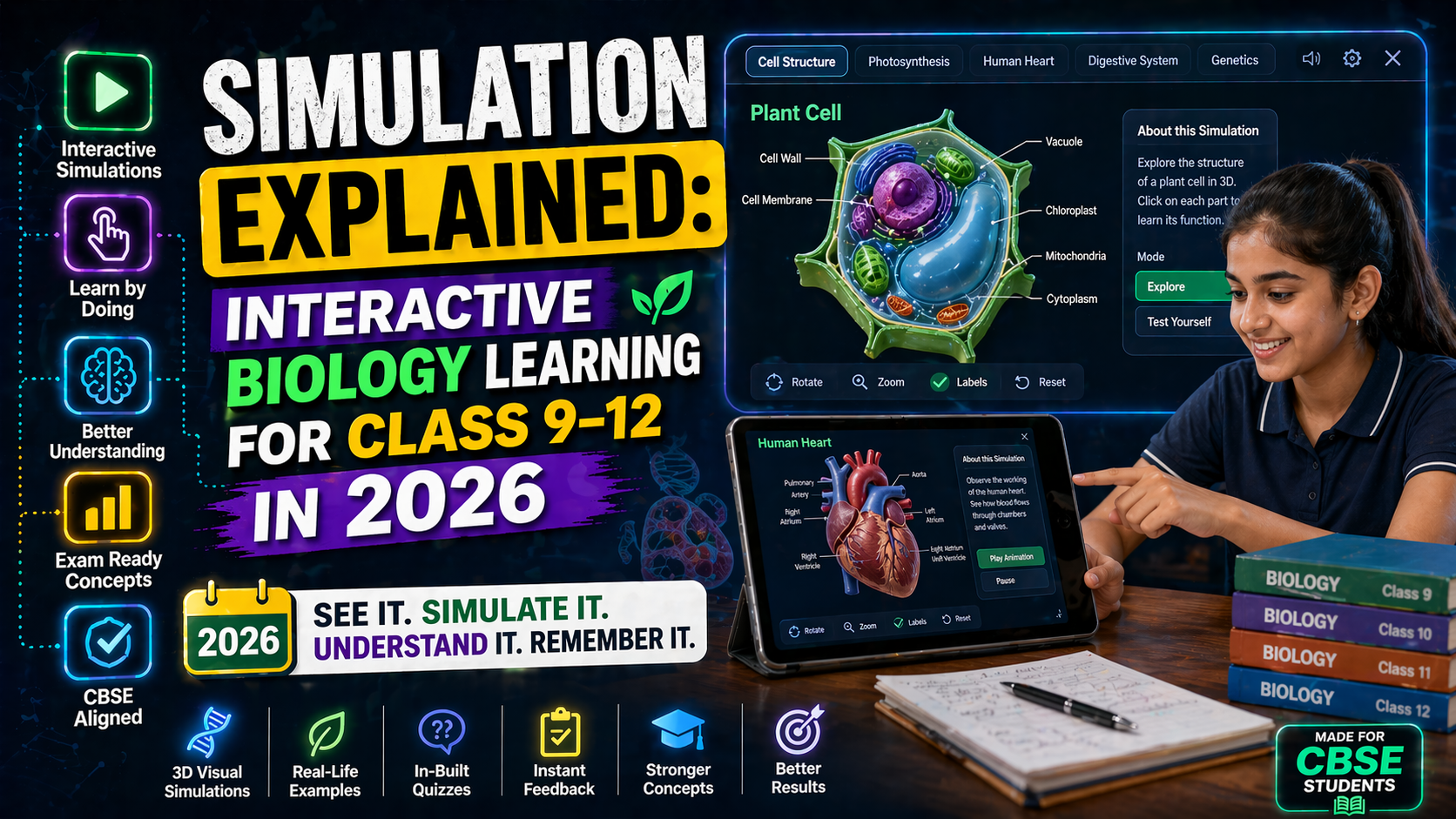
Photosynthesis is one of the most fundamental biological processes, yet it often feels abstract to students. With the right tools, you can turn this complex topic into an engaging, hands-on learning experience. In this guide, we’ll explore how free, interactive CBSE Biology labs for 2026 can help Class 9–12 students master photosynthesis through simulations, diagrams, and NEP-aligned assessments.
Whether you're a student preparing for exams or a teacher looking for innovative teaching resources, these tools will make learning photosynthesis intuitive and enjoyable. Let’s dive in!
---Why Interactive Labs Are Essential for Learning Photosynthesis
Traditional teaching methods often rely on textbooks and static images, which can make photosynthesis seem like a distant concept. Interactive labs change this by:
- Visualizing abstract processes: See how light energy converts into chemical energy in real-time.
- Experimenting without labs: Test variables like light intensity, CO₂ levels, and temperature without needing physical setups.
- NEP 2020 alignment: These tools encourage experiential learning, a key focus of the National Education Policy (NEP) 2020.
- Personalized learning: Students can repeat experiments at their own pace, reinforcing understanding.
By using free CBSE Biology simulations, you’re not just memorizing facts — you’re experiencing science.
---Top Free Photosynthesis Simulations for CBSE Class 9–12 (2026)
Here are some of the best free tools to explore photosynthesis interactively:
1. SPYRAL AI Workbench — Biology Simulations
The SPYRAL AI Workbench offers a dedicated photosynthesis simulation where students can:
- Adjust light intensity and wavelength to observe its effect on oxygen production.
- Manipulate CO₂ and water levels to see how they impact glucose synthesis.
- Visualize the Calvin cycle and light-dependent reactions in 3D.
- Run virtual experiments aligned with CBSE Class 11 Biology syllabus.
This tool is perfect for NEP 2020 classrooms, as it promotes inquiry-based learning and critical thinking.
2. PhET Interactive Simulations (University of Colorado)
PhET offers a free Photosynthesis Lab where students can:
- Control the sun’s position to simulate different times of day.
- Add or remove chloroplasts to observe changes in reaction rates.
- Compare photosynthesis in different plant types (C3, C4, CAM).
PhET simulations are widely used in Indian schools and are fully compatible with CBSE curriculum.
3. CK-12 Foundation: Photosynthesis Simulation
CK-12 provides a free, interactive photosynthesis simulation with:
- Step-by-step guided experiments.
- Quizzes to test understanding.
- Downloadable worksheets for offline practice.
It’s ideal for self-paced learning and revision.
---How to Use Photosynthesis Simulations in Your Classroom (2026)
Teachers can integrate these tools into lessons using the following strategies:
Step 1: Introduce the Concept
Start with a short video or diagram to explain the basics of photosynthesis. Use this NEP-aligned resource to align with curriculum goals.
Step 2: Run Interactive Experiments
Divide students into groups and assign each a variable to test (e.g., light color, temperature). Use the SPYRAL AI Workbench for real-time data collection.
Step 3: Analyze Results
Have students present their findings and discuss how different factors affect photosynthesis. Encourage them to relate their observations to real-world scenarios, such as climate change impacts on plant growth.
Step 4: Reinforce with Quizzes
Use built-in quizzes in simulations to assess understanding. Tools like CK-12 offer instant feedback, helping students identify gaps in knowledge.
---Photosynthesis Diagrams: Free Downloads for CBSE Biology
Visual aids are crucial for understanding photosynthesis. Here are free resources to download and print:
- Labeled Diagram of Photosynthesis: Shows chloroplast structure, light-dependent and independent reactions.
- Cross-Section of a Leaf: Highlights mesophyll cells, stomata, and vascular bundles.
- Energy Flow in Ecosystems: Connects photosynthesis to food webs and trophic levels.
You can find these diagrams in the SPYRAL Free Tools section, optimized for CBSE Class 11 Biology.
---Connecting Photosynthesis to Broader Biology Concepts
Photosynthesis isn’t just a standalone topic — it’s the foundation of ecology and environmental science. Here’s how you can link it to other CBSE Biology concepts:
1. Ecosystem Food Webs
Use a food web simulator to show how energy flows from producers (plants) to consumers (herbivores, carnivores). This helps students understand the role of photosynthesis in sustaining ecosystems.
Try this interactive food web tool on SPYRAL AI Workbench to visualize energy transfer.
2. Membrane Transport in Chloroplasts
Explore how ions and molecules move across chloroplast membranes using a membrane transport simulation. This ties into CBSE Class 11 topics on cell biology and bioenergetics.
3. Environmental Impact on Photosynthesis
Simulate how pollution, deforestation, and climate change affect photosynthesis rates. This aligns with CBSE Class 12 Biology’s focus on ecology and sustainability.
---Try It Free on SPYRAL
Everything discussed in this article is available for free on SPYRAL AI Workbench — Biology Simulations. No signup required for guest access — just open it and start learning.
Explore SPYRAL AI Workbench — Biology Simulations →FAQ: Photosynthesis Free School Tools (2026)
1. Are these photosynthesis simulations really free for CBSE students?
Yes! Tools like SPYRAL AI Workbench, PhET, and CK-12 offer free access to photosynthesis simulations and diagrams. No hidden costs or subscriptions are required.
2. Can I use these tools on my mobile phone or tablet?
Most simulations are web-based and work on any device with an internet connection. However, for the best experience, use a laptop or desktop for interactive labs.
3. How do these tools align with NEP 2020?
NEP 2020 emphasizes experiential learning, multidisciplinary studies, and the use of technology in education. Interactive simulations and AI-powered tools like SPYRAL’s workbench directly support these goals by making learning hands-on and engaging.
4. Do I need to install any software to run these simulations?
No installation is required. All tools mentioned are browser-based and run on platforms like Chrome, Firefox, or Edge.
5. Can teachers track student progress using these tools?
Some platforms, like SPYRAL AI Workbench, offer teacher dashboards to monitor student activity and performance. This helps educators identify areas where students need additional support.
---Final Thoughts: Master Photosynthesis with Interactive Learning
Photosynthesis doesn’t have to be a challenging topic to memorize — it can be an exciting journey of discovery. By using free, interactive CBSE Biology labs for 2026, students can visualize, experiment, and truly understand how plants convert sunlight into energy.
For teachers, these tools offer a way to bring dynamic, NEP-aligned lessons into the classroom without extra costs. And for self-learners, they provide a flexible, engaging way to prepare for exams.
Ready to explore photosynthesis like never before? Start your free simulation now and see the difference interactive learning can make!