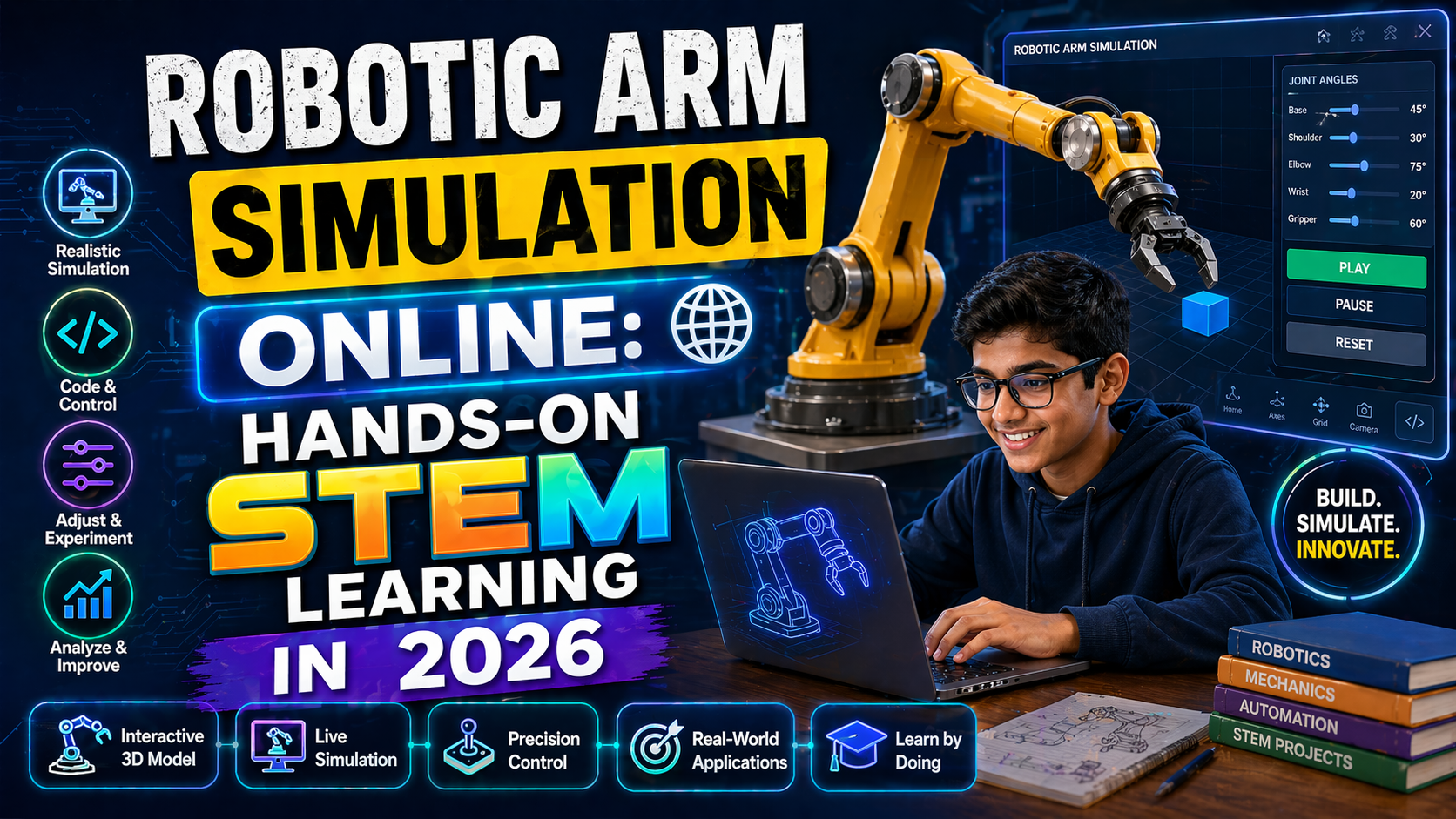
You just typed ‘obstacle avoiding robot ppt free download’ because you need a ready-made, classroom-ready slide deck that actually helps students see how these robots work — not just read bullet points. You want something that fits NEP 2020, works with CBSE/NCERT, and lets students experiment without buying expensive kits. The good news? You don’t need to spend hours building slides or buying hardware. With anAIza School by SPYRAL, you get free interactive PPT-style simulations that run in any browser. Students can tweak sensors, adjust speeds, and watch the robot react in real time — just like a real obstacle-avoiding robot. No downloads. No logins. Just click, learn, and teach.
Why This Matters: Robotics Is the Future — But Only If Students Can See It
Robotics is a core skill under NEP 2020, especially in middle and high school STEM programs. But traditional PPTs often leave students confused — they show diagrams, not behavior. An obstacle-avoiding robot isn’t just a flowchart; it’s a system that uses sensors to detect and respond to its environment. When students can simulate this behavior — changing obstacle distance, robot speed, or sensor sensitivity — they don’t just memorize. They discover. That’s the difference between a passive slide deck and an active learning experience. And that’s exactly what NEP 2020 calls for: experiential, inquiry-based learning.
Teachers: Imagine handing out a PPT that’s actually a live simulation. Students see the robot stop, turn, and recalculate — all animated in real time. Parents: Your child isn’t just watching a video; they’re controlling a virtual robot. Schools: No lab setup. No kit costs. Just open a browser and start teaching.
What Is an Obstacle-Avoiding Robot? (Explained Visually)
An obstacle-avoiding robot is a simple autonomous vehicle that uses sensors (usually ultrasonic or IR) to detect obstacles in its path. When an obstacle is detected, the robot either stops, turns, or reroutes — all based on pre-programmed logic. In a real robot, this involves:
- Sensors: Detect distance to obstacles
- Microcontroller: Processes sensor data and decides action
- Motors: Move the robot based on commands
- Logic: If obstacle < X cm → turn right
But here’s the problem with most PPTs: they show this as a static diagram. Students don’t feel the logic. They don’t see the robot hesitate before turning. That’s where interactive simulations change everything.
How Sensors Work: A Quick Visual Guide
In a real robot, an ultrasonic sensor sends a sound wave and measures the echo. If the echo returns too soon, an obstacle is close. In a simulation, you can adjust the sensor range and watch the robot react instantly. Want to simulate a noisy environment? Increase sensor error. Want to test a robot in a maze? Add walls. All without a single wire.
That’s not just a PPT — it’s a virtual lab that adapts to your lesson plan.
Free PPT vs. Interactive Simulation: Which One Teaches Better?
Let’s compare:
| Feature | Traditional PPT | Interactive Simulation (anAIza School) |
|---|---|---|
| Engagement | Low — students watch slides | High — students control variables and see outcomes |
| Cost | Free to download, but static | Free and dynamic — no hardware needed |
| Curriculum Fit | Limited — hard to customize | NEP 2020-aligned — supports CBSE, IB, and NGSS |
| Student Feedback | None — one-way communication | AI-powered explanations after every simulation |
| Teacher Tools | None — just slides | Progress tracking, quiz generation, and curriculum mapping |
Bottom line: A free PPT downloads quickly. But an interactive simulation downloads curiosity. And curiosity is what drives real learning.
Where to Get Free PPTs on Obstacle-Avoiding Robots (2026 Edition)
You’re in luck — several platforms now offer free PPTs aligned with NEP 2020 and robotics curricula. Here are the best sources:
- CBSE Official Portal (cbseacademic.nic.in) – Offers robotics modules with PPTs for Classes 9–12 under AI and Robotics elective.
- NITI Aayog’s ATL (Atal Tinkering Labs) – Provides free PPTs and project guides for obstacle-avoiding robots as part of STEM kits.
- Khan Academy India – Hosts robotics PPTs with video explanations, great for flipped classrooms.
- DIY Robotic Platforms – Sites like SPYRAL AI & Robotics Lab offer free interactive PPT-style simulations that run in the browser — no download needed.
But here’s the catch: most of these PPTs are still static. They show diagrams, not behavior. That’s why we built something different.
Introducing: Interactive Robotics PPTs That Work
At anAIza School by SPYRAL, we’ve reimagined the PPT. Our AI-powered robotics simulations look and feel like a slide deck — but they’re fully interactive. Students can:
- Adjust sensor range and see the robot react
- Change obstacle positions and test rerouting logic
- See real-time animations of ultrasonic sensor beams
- Get AI explanations after each experiment
- Save their configurations as “what-if” scenarios
It’s like having a robotics lab on your screen — without the cost or setup. And it’s 100% free for guest users.
Curriculum Mapping: How It Fits CBSE, IB, and NGSS
Our simulations are designed to support:
- CBSE AI Class 9–12: Robotics fundamentals, sensors, and logic
- IB Design Technology: Systems thinking and autonomous behavior
- NGSS (USA): Engineering Design (K–12 ETS1)
- NEP 2020: Experiential learning, AI integration, and STEM projects
Each simulation comes with a curriculum guide that maps to specific learning outcomes — so you’re not just teaching robotics. You’re teaching how robotics works in the real world.
SIM EMBED SECTION
Try This Simulation Free
Open the interactive simulation on anAIza School — no download, no signup needed.
Open Simulation →Change the variables yourself — see what happens in real time.