Home›
Blog›
BYJU’S for Schools Alternative 2026: One AI OS to Replace 5 Tools
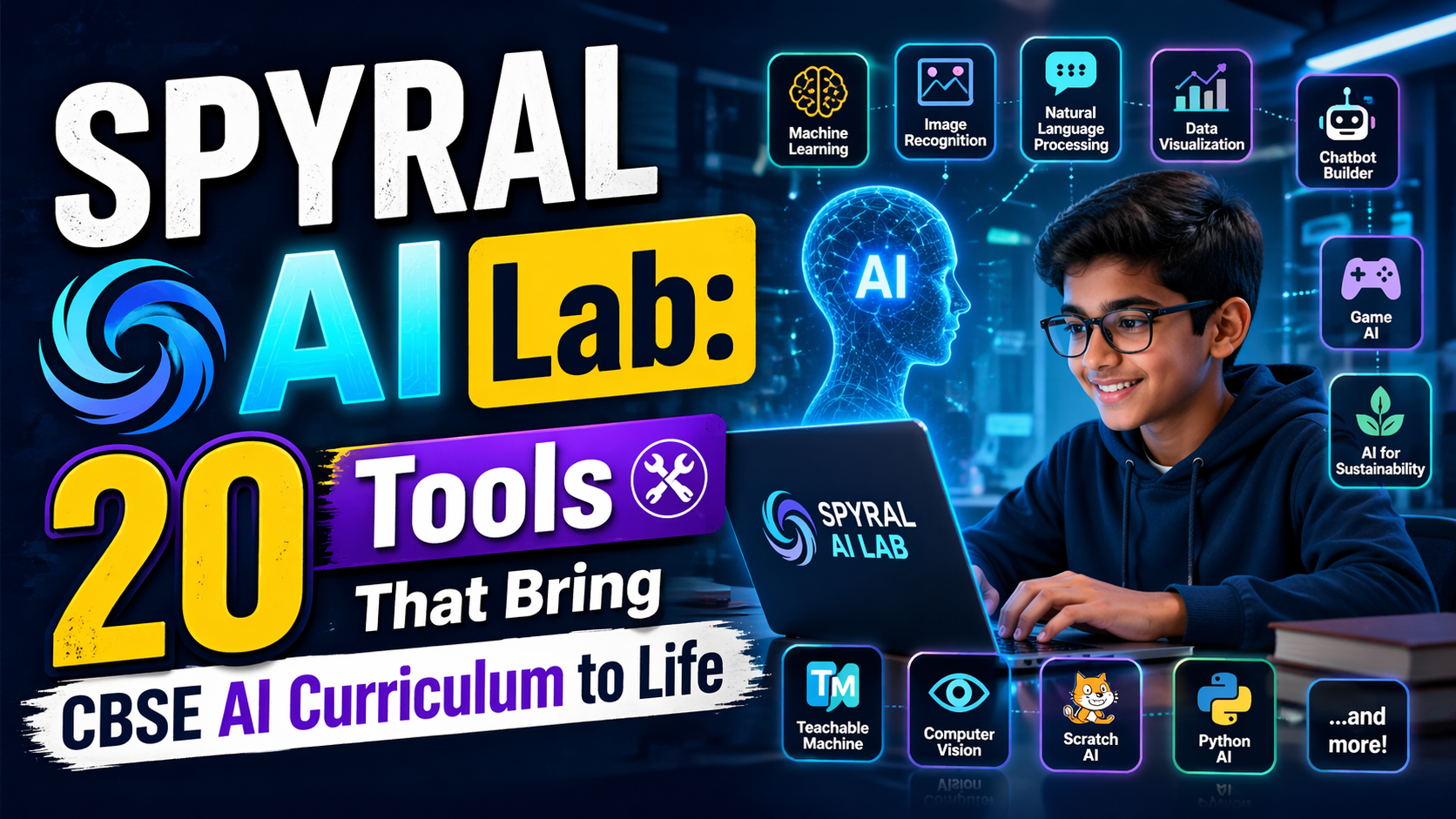
If your school is using BYJU’S for Schools and feeling the pinch of fragmented tools, slow updates, or lack of AI-powered personalization, you’re not alone. In 2026, Indian schools are rapidly shifting to AI Operating Systems (AI OS) that do more than just deliver content — they manage learning, assess students, simulate experiments, and track progress — all in one place.
anAIza School by SPYRAL is one such AI-powered AI OS for schools that replaces five separate tools schools currently use: LMS, virtual labs, assessment generators, teacher dashboards, and student analytics. No more juggling logins, no more outdated simulations, and no more guessing what students are actually learning.
In this guide, we’ll show you why anAIza School is the best BYJU’S for Schools alternative in 2026, how it transforms smart classroom software in India, and how it aligns with AI edtech for CBSE schools and the NEP 2020 vision.
Why This Matters: The Hidden Cost of BYJU’S for Schools in 2026
Many schools adopted BYJU’S for Schools hoping for a unified platform. But in 2026, educators are realizing:
- Fragmented tools: Schools end up using BYJU’S for content, a separate LMS for assignments, another tool for quizzes, and yet another for analytics. That’s four logins per student — and four points of failure.
- Static content: While BYJU’S offers videos and quizzes, it lacks interactive simulations that help students see science and math in action. Physics isn’t just formulas — it’s forces, waves, and charges in motion. Chemistry isn’t just reactions — it’s molecules colliding in real time.
- No AI-powered explanations: Students get stuck. They ask “Why?” and get a video link. But what if the AI could explain the concept in their language, using the simulation they just ran?
- Slow updates: CBSE syllabus changes, NEP 2020 competencies evolve, and new exam patterns emerge. BYJU’S updates take months. AI OS platforms like anAIza update weekly with new simulations, quizzes, and curriculum maps.
- No teacher control: Teachers can’t customize lessons, create “what-if” scenarios, or track progress in real time. They’re stuck with pre-built content.
That’s why schools are searching for a BYJU’S for Schools alternative — one that’s AI-native, interactive, and teacher-empowered.
Enter: anAIza School — the AI Operating System for Schools in 2026.
An AI Operating System (AI OS) for schools is a single platform that acts as the central nervous system of your school’s digital learning ecosystem. It doesn’t just deliver content — it orchestrates learning, assesses understanding, simulates experiments, and adapts to each student.
Think of it like a smartphone OS, but for education. Just as Android or iOS manages apps, updates, security, and user experience — an AI OS for schools manages:
- Learning Management: Assign lessons, track completion, and generate reports.
- Interactive Simulations: Physics, chemistry, biology, and math come alive with real-time 3D labs.
- AI-Powered Explanations: After every simulation, AI breaks down what happened — in simple language, with visuals.
- Assessment Engine: Auto-generate quizzes, worksheets, and question papers aligned to CBSE/ICSE/IB/AP/GCSE.
- Teacher Dashboard: Monitor class performance, identify struggling students, and customize lessons.
- Student Analytics: See not just scores, but concept-level understanding — which students grasp forces, which need help with photosynthesis.
This is what smart classroom software in India should be — not just a digital textbook, but a living lab where students do science, not just read about it.
And unlike BYJU’S, which is a content delivery platform, anAIza is built from the ground up as an AI OS — meaning every feature is designed to learn, adapt, and grow with your school.
How anAIza Replaces 5 Tools Schools Use Today
Here’s how one platform replaces five:
| Current Tool |
What It Does |
Replaced By |
| LMS (e.g., Google Classroom, Moodle) |
Hosts assignments, lessons, and grades |
anAIza School — built-in LMS with AI grading and progress tracking |
| Virtual Labs (e.g., PhET, OLabs) |
Simulates science experiments |
anAIza Workbench — 100+ AI-powered simulations with real-time physics |
| Assessment Tools (e.g., Testmoz, Quizizz) |
Creates quizzes and tests |
anAIza AI Quiz Generator — auto-generates CBSE/ICSE-aligned tests with AI explanations |
| ERP System (e.g., Fedena, MyClassBoard) |
Manages attendance, fees, and admin |
anAIza Admin Dashboard — AI-powered analytics and reporting |
| AI Tutors (e.g., BYJU’S, Vedantu) |
Provides AI explanations and homework help |
anAIza AI Tutor — explains simulations, answers questions, and adapts to student level |
With anAIza, schools get one login, one dashboard, one AI assistant — and zero fragmentation.
AI-Powered Interactive Simulations: The Heart of anAIza [ai edtech for cbse schools]
What makes anAIza different from BYJU’S or any other edtech platform is its interactive simulation engine. These aren’t videos. They’re real-time 3D labs where students can:
- Change variables — increase voltage, reduce friction, add enzymes — and see the effect instantly.
- Get AI explanations — after every run, the AI breaks down what happened, why it happened, and how it connects to the syllabus.
- Experiment safely — no lab fires, no chemical spills, no broken equipment.
- Align to curriculum — every simulation maps to CBSE, ICSE, IB, AP, or GCSE standards.
This is AI edtech for CBSE schools done right — not passive watching, but active doing.
⚗
Try This Simulation Free
Open the interactive simulation on anAIza School — no download, no signup needed.
Open Simulation →Change the voltage, add charges, and see forces in real time. The AI explains what’s happening.
Imagine a Class 11 student learning electrostatics. Instead of memorizing Coulomb’s Law, they:
- Open the electrostatics simulation.
- Place two charges on the screen.
- Drag the distance slider — the force changes in real time.
- Ask the AI: “Why does the force decrease as distance increases?”
- The AI responds: “Coulomb’s Law states that force is inversely proportional to the square of the distance. Here’s the formula: F = k·q₁·q₂ / r². Watch as r increases, F decreases rapidly.”
- They run it again with different charges — and see the inverse-square relationship visually.
That’s not just learning — that’s understanding.
And unlike PhET simulations, which are static and require manual setup, anAIza simulations are AI-powered — they explain, adapt, and guide.
anAIza covers:
- Physics: Electrostatics, gravitation, waves, optics, thermodynamics
- Chemistry: Atomic structure, chemical bonding, electrochemistry, thermodynamics
- Biology: Photosynthesis, cell division, genetics, human anatomy
- Math: Calculus, vectors, 3D geometry, integration
- AI & CS: Neural networks, algorithms, robotics
Each simulation includes:
- Step-by-step guides
- AI-generated explanations
- CBSE/ICSE/IB curriculum mapping
- Teacher notes and question banks
This ensures that AI edtech for CBSE schools isn’t just fun — it’s curriculum-compliant and exam-ready.
1. AI Quiz Generator: Instant Tests Aligned to Your Syllabus
Teachers spend hours creating question papers. anAIza’s AI Quiz Generator does it in seconds:
- Select chapter and difficulty level.
- Choose question types: MCQ, short answer, numerical.
- AI generates a full paper with solutions and marking scheme.
- Export to Word or share via LMS.
No more last-minute panic before exams. And because it’s AI-powered, it can adapt to NEP 2020 competency-based learning — not just rote questions, but application and analysis.
2. AI Lesson Builder: Smart Lessons in Minutes
Instead of copying from textbooks, teachers can:
- Pick a topic (e.g., Newton’s Second Law).
- Add the simulation, a short video, and an AI-generated explanation.
- Include a quiz and discussion prompt.
- Publish to the class in one click.
This is school digital transformation in India — teachers become creators, not just consumers of content.
3. Teacher Dashboard: Real-Time Class Insights
The dashboard shows:
- Which students are struggling with a concept
- Which simulations are most engaging
- Which topics need review
- Student progress over time
Teachers can send targeted interventions — like “Let’s revisit friction with the simulation” — before students fall behind.
4. Parent Portal: Transparent Progress Tracking
Parents get a real-time view of their child’s performance — not just scores, but concept-level understanding. They can see:
- Which topics their child mastered
- Where they need help
- Suggested practice simulations
This builds trust and aligns with the NEP 2020 emphasis on parental involvement.
What If You Changed This? Exploring “What-If” Scenarios in anAIza
The real power of anAIza isn’t just running simulations — it’s experimenting. Here are three “what-if” scenarios that make learning unforgettable:
1. What if gravity disappeared? [physics simulation]
In the gravity simulation, students can:
- Drop a ball from a tower.
- Turn off gravity — the ball floats.
- Ask the AI: “What happens to the ball’s acceleration?”
- The AI explains: “Without gravity, acceleration is zero. The ball moves at constant velocity.”
This isn’t just a thought experiment — it’s a visual, interactive exploration of Newton’s First Law.
2. What if we doubled the enzyme concentration in photosynthesis?
In the photosynthesis simulation, students can:
- Set enzyme concentration to 1x.
- Measure oxygen production.
- Double the enzymes — oxygen spikes.
- Ask the AI: “Why did the rate increase?”
- The AI explains: “Enzymes lower activation energy. More enzymes = faster reaction.”
This turns a textbook diagram into a dynamic lab.
3. What if we changed the focal length of a lens?
In the optics simulation, students can:
- Place an object in front of a convex lens.
- Adjust focal length — the image moves.
- Ask the AI: “Why does the image flip when f > object distance?”
- The AI breaks down the lens formula: 1/f = 1/v - 1/u.
This is how AI edtech for CBSE schools makes abstract concepts tangible.
Frequently Asked Questions
Is anAIza School really a BYJU’S for Schools alternative in 2026?
Yes. Unlike BYJU’S, which is a content delivery platform, anAIza is an AI Operating System that replaces five tools: LMS, virtual labs, assessment generator, teacher dashboard, and student analytics. It’s designed for schools that want interactive, AI-powered learning — not just videos and quizzes.
Can anAIza School replace PhET simulations for CBSE physics?
Absolutely. anAIza’s interactive simulations are more advanced than PhET because they include AI explanations, curriculum mapping, and real-time variable changes. Students don’t just see charges move — they understand why.
How does anAIza support NEP 2020 and competency-based learning?
Every simulation and quiz is designed around NEP 2020 competencies like critical thinking, problem-solving, and application. The AI tutor doesn’t just give answers — it guides students through inquiry-based learning.
Is anAIza School compatible with CBSE, ICSE, and IB curricula?
Yes. All simulations and assessments are mapped to CBSE, ICSE, IB, AP, and GCSE standards. Teachers can select their board and syllabus version when creating lessons.
Do I need to install anything to use anAIza School?
No. anAIza School runs in the browser — no downloads, no plugins. It works on Chromebooks, tablets, and desktops across India.
Can teachers customize simulations and lessons?
Yes. The AI Lesson Builder lets teachers add their own notes, videos, and questions to simulations. They can also create “what-if” scenarios by changing variables before class.
How does the AI tutor explain concepts after simulations?
The AI analyzes the simulation run and generates a personalized explanation in simple language. For example, if a student increases voltage in a circuit, the AI might say: “Higher voltage means more energy per charge. This increases current, as shown by the brighter bulb.”
Is anAIza School suitable for rural schools in India?
Yes. It’s designed for low-bandwidth environments and works on basic internet connections. Schools can use it offline with downloaded simulations.
Can parents track their child’s progress in anAIza School?
Yes. The parent portal provides real-time insights into concept mastery, quiz scores, and simulation engagement — not just grades.
How does anAIza School help with school digital transformation in India?
It replaces fragmented tools with a single AI-powered platform. Schools reduce costs, improve engagement, and align with NEP 2020 and smart classroom initiatives.
Is there a free version of anAIza School for schools?
Yes. Schools can access guest mode for free — no signup required. For full features like teacher dashboards and AI quizzes, schools can sign up for a free trial.
How does anAIza School handle student data privacy?
All data is stored securely in India, compliant with India’s data protection laws. Schools retain full control over student data and can export it anytime.
Can students use anAIza School at home?
Yes. Students can access simulations and AI explanations from any device. This makes it ideal for hybrid learning and homework support.
How often are new simulations added to anAIza School?
New simulations are added weekly, aligned to the latest CBSE/ICSE syllabus updates and NEP 2020 guidelines.
Ready to Replace BYJU’S for Schools? Start Your Digital Transformation Today
If your school is tired of juggling tools, outdated simulations, and lack of AI-powered personalization, it’s time to switch to an AI Operating System for Schools.
anAIza School isn’t just a BYJU’S for Schools alternative — it’s the next step in school digital transformation in India. It turns passive learning into active discovery, fragmented tools into a unified platform, and teacher workload into creative teaching.
And best of all — you can try it for free today.
Sources: