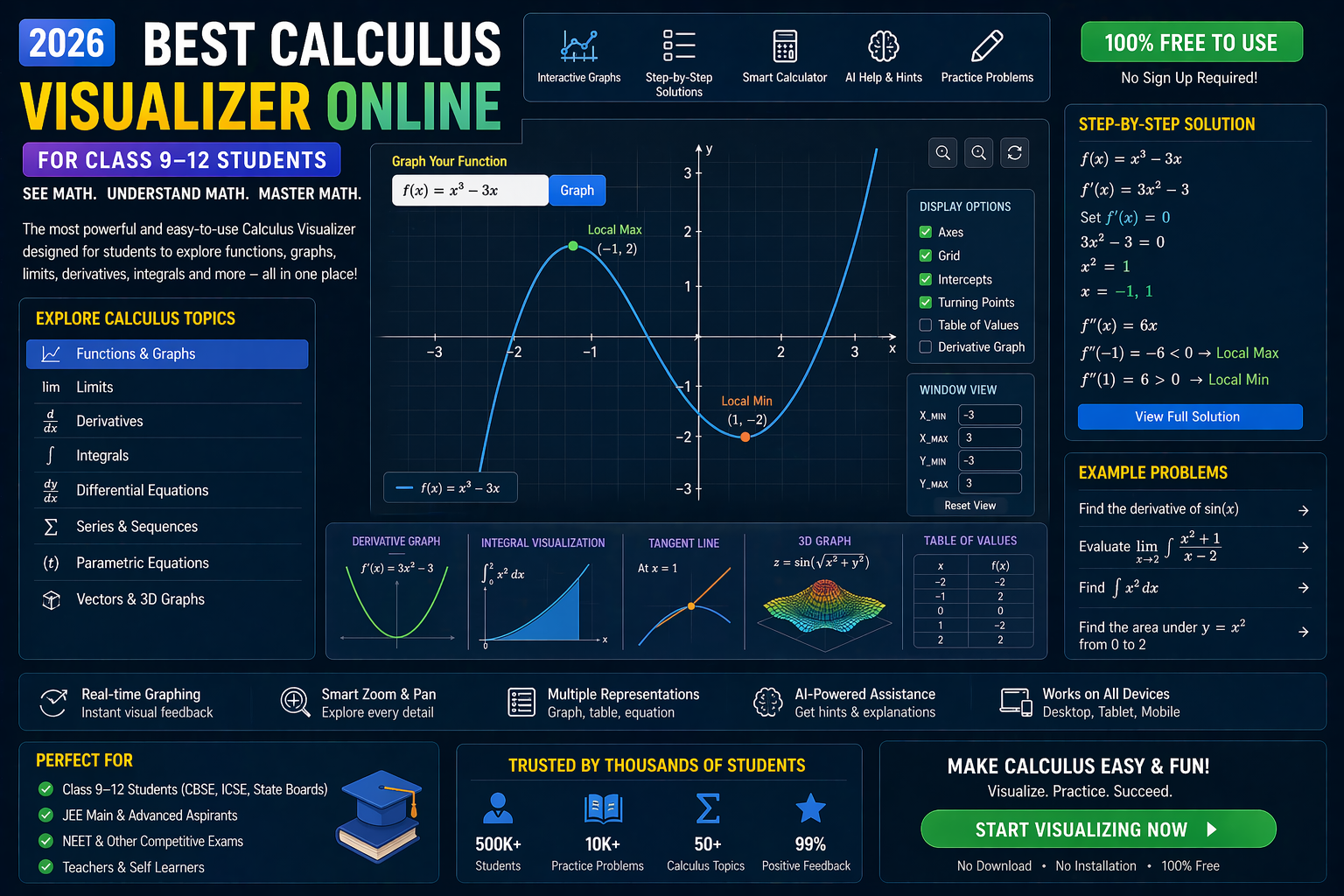
You’re staring at a Vector 3D CBSE PYQ from the Class 11–12 board exam, and the coordinates are spinning in your head. The question asks you to find the angle between two vectors, or maybe the shortest distance between a point and a line in 3D space — and you’re stuck. What if you could see the vectors move in real time, adjust their direction, and watch the math unfold? That’s exactly what our interactive 3D vector visualizer and coordinate plotter online do. No more guessing. No more scribbling on paper. Just plug in your vectors, hit simulate, and watch the solution come alive.
This isn’t just another theory guide. It’s a live 3D math lab where you can rotate, scale, and manipulate vectors just like you would in a real physics or engineering simulation. Whether you're preparing for your CBSE board exams, JEE Main, or NEET, visualizing vectors in 3D makes abstract concepts tangible. And with our matrix operations lab built in, you can also solve systems of linear equations that arise in vector problems — all in one place.
Let’s dive into how you can use these tools to crack every Vector 3D CBSE PYQ with confidence.
Why Vector 3D CBSE PYQs Feel Impossible (Until You See Them Move)
If you’ve ever opened a CBSE Class 11 or 12 Physics or Mathematics PYQ paper and seen a question like:
‘Find the angle between vectors →a = 2i + 3j – k and →b = i – 2j + 2k.’
…you know the struggle. You reach for the formula:
cos θ = (→a · →b) / (|→a| |→b|)
…and start calculating dot products and magnitudes. But what if you could see the vectors in 3D space, rotate the view, and confirm your answer visually? That’s where most students hit a wall — they’re forced to imagine the 3D geometry. But with our 3D vector visualization tool, you don’t imagine — you see.
Teachers face the same challenge. Explaining the angle between two 3D vectors using only chalk and board is tough. Students nod, but when they sit down to solve PYQs, they freeze. That’s why NEP 2020 emphasizes competency-based learning and experiential education. Interactive simulations are no longer optional — they’re essential. And in 2026, the best CBSE students aren’t just solving problems — they’re experiencing them.
With our platform, you can:
- Plot any 3D vector using coordinates or direction cosines
- Visualize dot products, cross products, and projections in real time
- Solve systems of linear equations using matrix operations
- Generate CBSE-style PYQs and test yourself instantly
- Get AI-powered explanations after every simulation
No downloads. No installations. Just open your browser and start learning.
Coordinate Geometry Tool: Plot Vectors, Lines, and Planes in 3D
Our coordinate plotter online isn’t just a graphing calculator. It’s a full-featured 3D math sandbox where you can:
1. Input Vectors Using Coordinates
Enter the components of your vector directly:
- →a = (x₁, y₁, z₁)
- →b = (x₂, y₂, z₂)
The tool renders both vectors in 3D space with color-coded axes (X in red, Y in green, Z in blue). You can rotate the view using your mouse or trackpad, zoom in/out, and even toggle between orthographic and perspective projections.
This is especially useful for CBSE Class 12 students tackling Vector Algebra (Chapter 10) and Three Dimensional Geometry (Chapter 11). You can plot position vectors, direction vectors, and even unit vectors.
2. Visualize Lines and Planes
Many PYQs involve lines in 3D space. For example:
‘Find the shortest distance between the line →r = →a + t→b and the point P.’
With our tool, you can:
- Input the line equation in vector form
- Plot the point P
- See the perpendicular from P to the line
- Measure the distance in real time
This turns a complex formula into a visual experience. You’re not just memorizing — you’re seeing why the formula works.
3. Use for Trigonometry Visualizer
Vectors are deeply connected to trigonometry. The angle between two vectors? It’s derived from the dot product formula:
→a · →b = |→a| |→b| cos θ
Our tool lets you adjust the angle between vectors and watch how the dot product changes. You can also visualize the projection of one vector onto another — a key concept in physics for resolving forces.
This is perfect for students who find trigonometry abstract. Instead of memorizing identities, you see the relationship.
Matrix Operations Lab: Solve Vector Systems Like a Pro
Many Vector 3D CBSE PYQs reduce to solving systems of linear equations. For example:
‘Find the values of λ and μ such that →a + λ→b = →c + μ→d.’
This is a vector equation that can be rewritten as a system of three scalar equations:
- x₁ + λx₂ = x₃ + μx₄
- y₁ + λy₂ = y₃ + μy₄
- z₁ + λz₂ = z₃ + μz₄
Solving this by hand is error-prone. But in our matrix operations lab, you can:
1. Input the System as a Matrix
Enter the augmented matrix and watch the tool perform row operations in real time. You can choose between:
- Gaussian elimination
- Cramer’s rule (for small systems)
- Inverse matrix method
Each step is animated, so you understand the logic behind the operations — not just the result.
2. Link to Vector 3D Geometry
This isn’t just algebra — it’s geometry. The solution (λ, μ) tells you where two lines intersect in 3D space. If the system is inconsistent, the lines are skew. If there are infinite solutions, the lines are coincident.
Our tool visualizes this relationship. You’ll see the lines move as you change parameters — and understand why some systems have no solution.
3. Prepare for JEE and NEET
JEE Main and NEET often combine vector algebra with matrix methods. Our lab prepares you for both. You can practice solving PYQs from past papers and get instant feedback. The AI tutor explains each step and suggests similar problems.
Equation Solver CBSE: Step-by-Step Vector Solutions
Our platform includes a dedicated equation solver CBSE engine for vector problems. It doesn’t just give answers — it guides you through the process:
1. Input the Problem
You can type or paste a CBSE-style question, like:
‘Find the unit vector in the direction of →a = 3i + 4j – 5k.’
The AI parses the question and identifies the required operation: magnitude and normalization.
2. See the Step-by-Step Breakdown
The AI tutor shows:
- Step 1: Calculate |→a| = √(3² + 4² + (–5)²) = √(9 + 16 + 25) = √50
- Step 2: Write the unit vector →u = →a / |→a| = (3/√50)i + (4/√50)j – (5/√50)k
- Step 3: Rationalize or approximate the components
Each step is linked to a visual: the vector →a is plotted, and the unit vector →u is shown as a scaled-down arrow in the same direction.
3. Generate Similar PYQs
Want more practice? Click ‘Generate Similar Question’ and the AI creates a new problem with different numbers. You can solve it, check your answer, and repeat. This is ideal for revision before board exams.
Try It Live: 3D Vector Simulator
What If You Changed This? 3 Real-World What-If Scenarios
Let’s go beyond textbook problems. Try these scenarios in the simulator and watch the math come alive.
1. What if one vector becomes zero?
Set →a = 0i + 0j + 0k. What happens to the dot product →a · →b? What about the angle θ? The simulator shows the vector collapsing to the origin — and the dot product becoming zero. The angle becomes undefined, but the tool explains why.
2. What if two vectors are parallel?
Set →b = k→a for some scalar k. The simulator shows both vectors pointing in the same or opposite direction. The cross product →a × →b becomes zero — and the tool highlights this in red. You’ll never forget the condition for parallel vectors again.
3. What if you change the coordinate system?
Rotate the entire 3D view by 90 degrees. Now the Z-axis points toward you. The vector components change, but the geometric relationships (dot product, cross product, angle) remain the same. This teaches you that vectors are independent of coordinate systems — a key insight for higher math and physics.
Try It Free on SPYRAL
Everything discussed in this article is available for free on SPYRAL AI Workbench — Maths Visualizations. No signup required for guest access — just open it and start learning.
Explore SPYRAL AI Workbench — Maths Visualizations →Frequently Asked Questions
What is a vector 3D in CBSE Class 11–12?
A vector in 3D space has three components: x, y, and z. In CBSE, vectors are used to represent physical quantities like force, velocity, and displacement in three dimensions. They’re essential for solving problems in Vector Algebra and Three Dimensional Geometry.
How do I solve vector 3D CBSE PYQs step by step?
Start by identifying the given vectors and what’s being asked (angle, distance, intersection, etc.). Use the dot product or cross product formulas as needed. Our coordinate plotter online lets you visualize the vectors and confirm your answer in real time.
Can I use a trigonometry visualizer to understand vectors?
Absolutely. The angle between two vectors is calculated using trigonometry: cos θ = (→a · →b) / (|→a| |→b|). Our interactive 3D visualizer lets you adjust the angle and watch how the dot product changes — making the connection between trig and vectors clear.
What is the best coordinate plotter online for CBSE vector problems?
Our platform offers a free, no-install 3D coordinate plotter that supports vector input, line and plane plotting, and real-time rotation. It’s designed specifically for CBSE Class 11–12 vector and 3D geometry problems.
How do matrix operations help in solving vector 3D CBSE PYQs?
Many vector problems reduce to solving systems of linear equations. For example, finding the intersection of two lines in 3D space requires solving for parameters λ and μ. Our matrix operations lab lets you input the system, perform row operations, and visualize the solution in 3D.
Is there an equation solver CBSE for vector problems?
Yes! Our AI-powered equation solver CBSE guides you through vector problems step by step. It explains each calculation and links it to a visual representation. You can also generate similar practice questions.
How can I visualize vectors in 3D for free?
Use our 3D vector visualization tool on SPYRAL AI Workbench. It’s free, works in any browser, and lets you rotate, zoom, and manipulate vectors in real time. No downloads or signups required for guest access.
What are the important vector 3D CBSE PYQs for 2026 board exams?
Focus on problems involving dot products, cross products, unit vectors, angles between vectors, and shortest distances between lines/points. Our platform includes a PYQ generator that creates CBSE-style questions based on past trends.
Can I use this for JEE Main and NEET preparation?
Yes. The tools are designed to help with both CBSE curriculum and competitive exams like JEE Main and NEET. You’ll practice solving vector problems using the same methods expected in these exams.
How does NEP 2020 support interactive math simulations like this?
NEP 2020 emphasizes experiential learning, competency-based education, and the use of technology in classrooms. Interactive simulations like our 3D vector visualizer align with these goals by making abstract math concepts tangible and engaging.
Is there a free NCERT solution for vector 3D Class 11–12?
Our platform provides free, interactive NCERT-style solutions with visual explanations. You can input any vector problem from the NCERT textbook and get a step-by-step breakdown with 3D visualization.
How accurate is the AI explanation in the simulator?
The AI tutor uses symbolic computation and follows CBSE marking schemes. It explains each step clearly and highlights common mistakes. You can compare your solution with the AI’s and get instant feedback.
Ready to Crack Every Vector 3D CBSE PYQ?
By now, you’ve seen how a vector 3D CBSE PYQ isn’t just a problem to solve — it’s an experience to live. With our 3D vector visualization tool, coordinate plotter online, matrix operations lab, and equation solver CBSE, you’re not just preparing for exams — you’re mastering the concepts.
And the best part? You can start for free. No installations. No signups. Just open your browser and begin. Whether you’re a student in Delhi, Mumbai, or anywhere in the world, these tools are designed for you.
So next time you see a vector 3D question, don’t panic. Click, visualize, and solve — with confidence.
Ready? Open SPYRAL AI Workbench now and start your first 3D vector simulation.