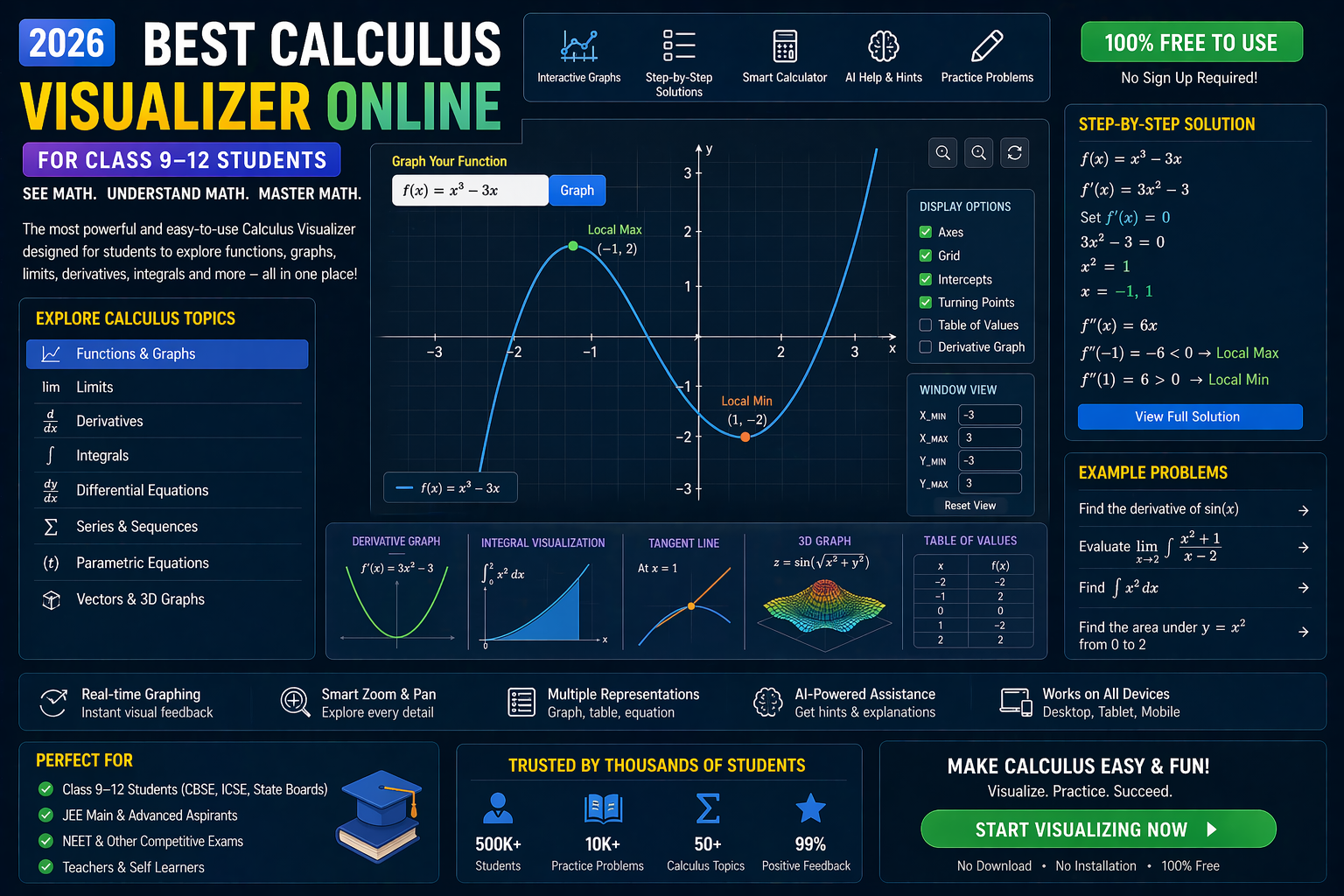
Struggling to visualize coordinate geometry or plotting points on a graph? Meet the ultimate solution: a plotting coordinates online game that turns abstract math into an interactive adventure. Whether you're grappling with CBSE Class 9–12 coordinate geometry, solving differential equations, or mastering trigonometry, this tool lets you see the math—no textbook required.
Forget dry pencil-and-paper drills. With this game, you drag points, tweak equations, and watch curves form in real time. It’s the kind of hands-on learning NEP 2020 champions, where students don’t just memorize—they discover. Let’s dive in.
Why This Matters: The CBSE/NEP 2020 Shift to Visual Learning
Indian students are no longer confined to static textbooks. The NEP 2020 framework emphasizes competency-based learning, meaning schools now prioritize interactive, experiential tools over rote memorization. For maths—especially coordinate geometry—this means students need to visualize concepts like plotting coordinates, solving equations, and understanding trigonometric functions.
Traditional methods often leave gaps: students can solve problems on paper but struggle to see the bigger picture. A plotting coordinates online game bridges that gap by letting you manipulate graphs dynamically. Whether you’re preparing for CBSE exams or just aiming to ace your Class 10 or 11 maths, this tool aligns with NEP’s goal of making learning engaging and effective.
The Power of a Coordinate Geometry Tool
Coordinate geometry isn’t just about plotting points—it’s the foundation for understanding functions, slopes, and even advanced topics like differential equations. A coordinate geometry tool like the one we’re exploring here transforms abstract concepts into tangible visuals. Here’s how it works:
1. Plotting Points Like a Pro
Ever wondered how to plot (3, 4) or (-2, 5) accurately? This game lets you drag points onto a grid, adjusting their x and y values in real time. Watch how changing one coordinate shifts the point’s position instantly. It’s the perfect way to internalize the Cartesian plane—no more guessing where points belong!
2. Graphing Equations Without Tears
Tired of sketching y = mx + c by hand? Input any linear or quadratic equation, and the tool automatically plots its graph. See how changing the slope (m) or y-intercept (c) transforms the line. For quadratic equations like y = ax² + bx + c, observe the parabola’s shape shift as you tweak coefficients. This is your equation solver CBSE—but with visual proof.
3. Trigonometry Made Tangible
Trigonometry often feels like memorizing formulas. But with a trigonometry visualizer, you can see sine, cosine, and tangent waves in action. Adjust the amplitude, period, or phase shift and watch how the graph responds. This isn’t just theory—it’s maths visualizations that make trigonometry click.
4. Differential Equations? No Problem.
Differential equations can feel intimidating, but visualizing them changes the game. This tool lets you input simple differential equations (like dy/dx = 2x) and see their solutions as curves. It’s a game-changer for students who’ve struggled to grasp how derivatives translate into graphs.
What If You Changed This?
Curious how small tweaks affect graphs? Try these experiments:
- What if you doubled the slope (m) in y = mx + 2? Watch how the line’s steepness changes. Notice how the graph becomes more vertical as m grows larger.
- What if you set a = -1 in y = ax²? The parabola flips upside down. See how the negative coefficient inverts the curve’s direction.
- What if you adjusted the period in y = sin(x)? Stretch or compress the wave by changing the coefficient of x. Observe how the wave’s frequency shifts.
Beyond the Basics: How This Tool Aligns with CBSE/NEP 2020
The National Education Policy 2020 pushes for hands-on, inquiry-based learning. This plotting coordinates online game embodies that philosophy by:
- Encouraging exploration: Students experiment with variables to see cause-and-effect relationships.
- Building intuition: Visual feedback helps grasp abstract concepts like slopes and asymptotes.
- Preparing for exams: Mastering graphing and equations boosts confidence for CBSE Class 9–12 maths papers.
- Scaffolding advanced topics: From coordinate geometry to differential equations, this tool lays the groundwork for higher maths.
For teachers, it’s a game-changer too. Use it to demonstrate concepts in class, assign interactive homework, or even generate quizzes with dynamic graphs. The NEP curriculum thrives on tools like this—where learning feels real.
Try It Free on SPYRAL
Everything discussed in this article is available for free on SPYRAL AI Workbench — Maths Visualizations. No signup required for guest access — just open it and start learning.
Explore SPYRAL AI Workbench — Maths Visualizations →Frequently Asked Questions
How can a plotting coordinates online game help me with CBSE Class 10 maths?
This tool turns plotting coordinates into an interactive experience. Instead of memorizing how to graph lines or parabolas, you see how changing x and y values affects the graph. It’s perfect for CBSE’s emphasis on visual learning—ideal for mastering coordinate geometry in Class 10.
Can I use a coordinate plotter online to solve differential equations?
Absolutely! While it’s not a traditional solver, this tool lets you input simple differential equations (like dy/dx = f(x)) and visualize their solutions as curves. It’s a fantastic way to see how derivatives translate into graphs—great for building intuition before diving into complex calculus.
Is there a free equation solver CBSE that visualizes graphs?
Yes! This plotting coordinates online game acts as a free equation solver. Input any linear, quadratic, or even trigonometric equation, and it plots the graph in real time. It’s aligned with CBSE’s focus on understanding concepts, not just solving problems.
How does a trigonometry visualizer work for Class 11 students?
A trigonometry visualizer lets you adjust parameters like amplitude, period, and phase shift for sine and cosine waves. For Class 11 students, this means you can see how changing coefficients transforms the graph—making trigonometry far less abstract and more intuitive.
Can I use this tool for NEP 2020 math curriculum?
This tool is a perfect fit for NEP 2020’s focus on competency-based learning. It encourages students to explore math interactively, fostering critical thinking and problem-solving skills. Whether you’re plotting coordinates or solving equations, it aligns with NEP’s goal of making learning engaging and experiential.
How do I start plotting coordinates online for free?
No signup needed! Open the SPYRAL AI Workbench in your browser, and you’re ready to plot points, graph equations, and explore math visually. It’s designed for instant, hassle-free learning.
What’s the best way to learn coordinate geometry with a game?
The best approach is to play and experiment. Start by plotting simple points, then move to graphing lines and curves. Use the tool to test “what-if” scenarios—like how changing the slope affects a line’s direction. This hands-on method makes coordinate geometry fun and memorable.
Can I use this tool for CBSE Class 12 maths?
Definitely! While it’s great for foundational topics like coordinate geometry, it also helps visualize more advanced concepts like conic sections, parametric equations, and even introductory differential equations. It’s a versatile math visualization tool for all CBSE Class 12 maths needs.
How does a coordinate geometry tool help with trigonometry?
A coordinate geometry tool bridges the gap between algebra and trigonometry. For example, you can plot the unit circle and see how sine and cosine values correspond to points on the graph. This visual connection makes trigonometric identities and functions far easier to understand.
Is there a differential equations solver that’s interactive?
While this tool isn’t a solver for complex differential equations, it does let you visualize solutions to simple first-order equations. For instance, input dy/dx = x and watch the curve form. It’s a great way to see how differential equations translate into graphs before tackling advanced problems.
How can teachers use this plotting coordinates online game in class?
Teachers can use this tool to demonstrate concepts dynamically, assign interactive homework, or even create quizzes with real-time graphing. It’s perfect for AI-powered classrooms where students explore math collaboratively. The tool also integrates with lesson plans, making it easy to align with CBSE/NEP 2020 curriculum goals.