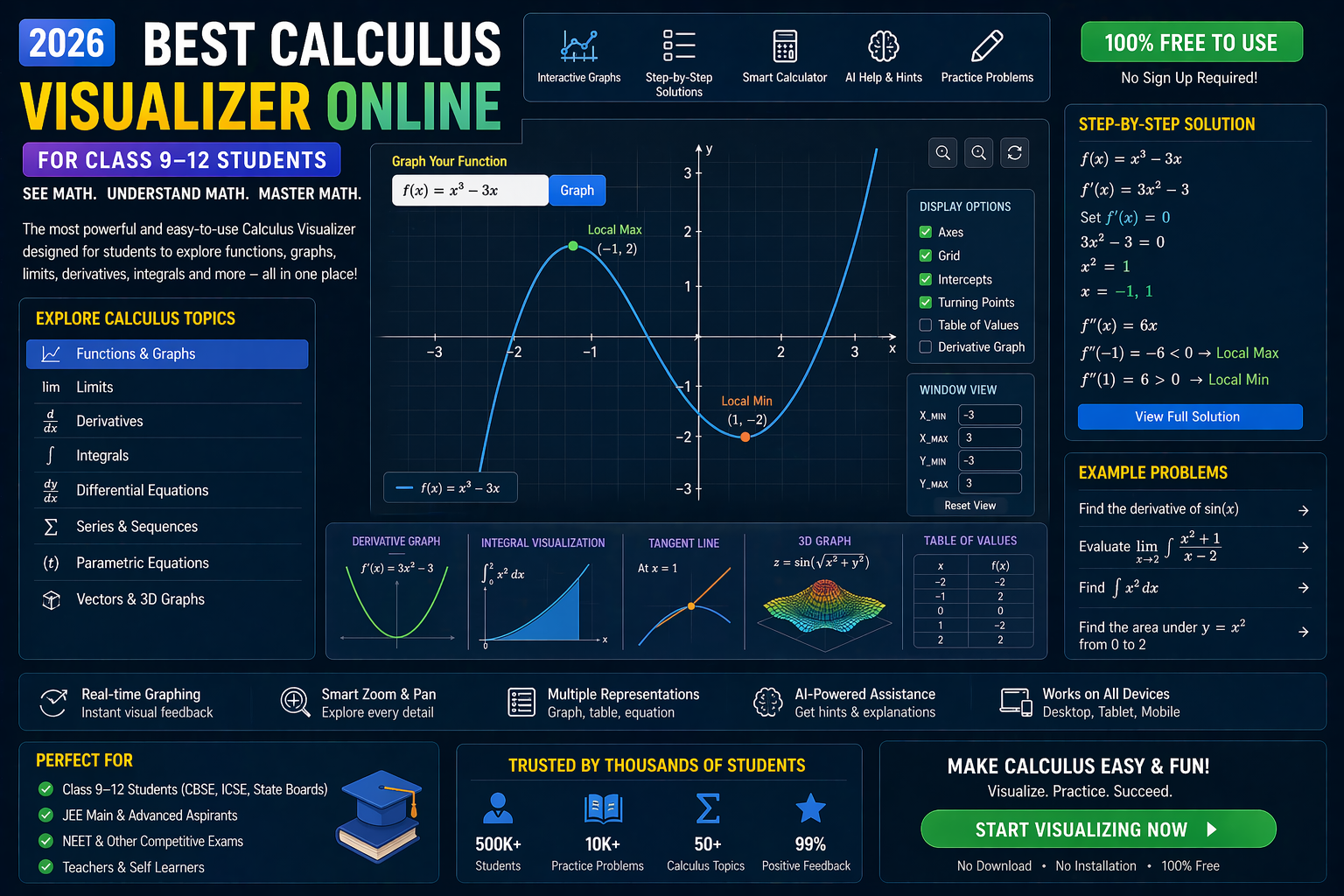
If you’ve ever stared at a matrix on your CBSE Class 12 maths worksheet wondering how to find its inverse in LabVIEW, you’re not alone. The inverse matrix LabVIEW process can feel abstract — until you see it in action. With interactive simulations, you can drag, drop, and compute matrix inverses in real time, making abstract linear algebra feel as real as plotting a graph. Whether you're preparing for JEE, NEET, or your CBSE board exams, visualizing matrix operations turns confusion into clarity.
In this guide, we’ll walk you through how to compute the inverse of a matrix in LabVIEW using AI-powered simulations that feel like a real lab. You’ll see how matrix inverses work, solve CBSE-style problems, and even experiment with what happens when a matrix isn’t invertible. Ready to make matrices click? Let’s go.
---Why This Matters: From Abstract to Actual in CBSE Class 12 Maths
For students in India preparing for CBSE Class 12 exams or competitive tests like JEE and NEET, understanding matrix inverses isn’t just academic — it’s essential. The inverse matrix LabVIEW concept appears in solving systems of linear equations, transformations, and even in physics simulations. But traditional textbooks often leave students wondering: How does this actually work?
That’s where interactive simulations come in. Instead of memorizing formulas, you can visualize matrix operations like addition, multiplication, and inversion. You can change values, see the determinant shift, and watch the inverse matrix update in real time. This aligns perfectly with NEP 2020’s emphasis on experiential learning and competency-based education. Teachers can use these tools to demonstrate concepts dynamically, making abstract math tangible for every student.
And here’s the best part: you don’t need to install LabVIEW to try this. With AI-powered platforms like SPYRAL AI Workbench — Maths Visualizations, you can run inverse matrix simulations directly in your browser — no software, no setup, just instant learning.
---Understanding Matrix Inverses: The Core Concept (with a trigonometry visualizer twist)
What Is an Inverse Matrix?
A matrix inverse is like the “reciprocal” of a number, but for matrices. For a square matrix A, its inverse A-1 is the matrix such that:
A × A-1 = I
where I is the identity matrix (ones on the diagonal, zeros elsewhere). Not all matrices have inverses — only those with a non-zero determinant are invertible. This is why checking the determinant is step one in any inverse matrix LabVIEW workflow.
For example, in CBSE Class 12, you might be asked to find the inverse of:
\[ A = \begin{bmatrix} 1 & 2 \\ 3 & 4 \end{bmatrix} \]
The inverse is:
\[ A^{-1} = \frac{1}{\text{det}(A)} \begin{bmatrix} d & -b \\ -c & a \end{bmatrix} = \frac{1}{-2} \begin{bmatrix} 4 & -2 \\ -3 & 1 \end{bmatrix} = \begin{bmatrix} -2 & 1 \\ 1.5 & -0.5 \end{bmatrix} \]
But seeing this on paper doesn’t tell you what’s happening geometrically. That’s where visualization tools shine.
Visualizing Matrices: Why a coordinate geometry tool helps
Matrices aren’t just numbers — they represent transformations in space. A 2×2 matrix can stretch, rotate, or shear a unit square. When you compute its inverse, you’re essentially reversing that transformation. A coordinate plotter online lets you draw a shape, apply a matrix transformation, and then apply its inverse to see it return to its original form.
Try it yourself: plot a triangle at (0,0), (1,0), and (0,1). Apply the matrix A above. Then apply A-1. The triangle should snap back. This is the power of visualization — it turns algebra into geometry.
Matrices are foundational in computer graphics, robotics, and even AI — so understanding them deeply pays off beyond exams.
---How to Compute Inverse Matrix in LabVIEW: Step-by-Step (with matrix operations lab demo)
Step 1: Set Up Your Matrix
In LabVIEW, you typically use the Matrix Inverse VI (Virtual Instrument) from the Mathematics → Linear Algebra palette. But before that, you need to define your matrix. You can input values manually or use a control.
For CBSE-style problems, you’ll often work with 2×2 or 3×3 matrices. Here’s a sample 2×2 matrix:
\[ B = \begin{bmatrix} 2 & 1 \\ 1 & 3 \end{bmatrix} \]
Determinant: det(B) = (2×3) – (1×1) = 6 – 1 = 5 → invertible.
Step 2: Use the Matrix Inverse VI
In LabVIEW:
- Drag the Matrix Inverse node onto your block diagram.
- Connect your input matrix to the node.
- Add an error cluster to handle non-invertible cases (det = 0).
- Output the inverse matrix.
This is where things get abstract. You see numbers, but do you *feel* the inversion? Probably not. That’s why simulations are better.
Step 3: Validate the Result
Multiply the original matrix by its inverse. The result should be close to the identity matrix. In LabVIEW, use the Matrix Multiply node to verify:
B × B-1 ≈ I
If not, check your determinant or input values. This is a great place to use an equation solver cbse tool to cross-verify your results.
---Interactive Simulation: Inverse Matrix LabVIEW in Action (Try It Live)
In this simulation, you can:
- Input any 2×2 or 3×3 matrix.
- See the determinant calculated instantly.
- Get the inverse matrix displayed.
- Multiply the original and inverse to verify.
- Receive AI explanations for each step.
This is like having a personal tutor guiding you through every calculation — no installation, no cost, just learning.
---What If You Changed This? 3 Real Experiments to Try
1. What if the determinant is zero?
Try inputting a matrix like \[ C = \begin{bmatrix} 1 & 2 \\ 2 & 4 \end{bmatrix} \]. The determinant is zero. What happens to the inverse? The simulation will show an error or infinity — a great way to understand why only non-singular matrices have inverses.
2. What if you scale the matrix?
Multiply every element of A by 2. The inverse should scale by 1/2. Does the simulation reflect this? Yes — and you’ll see it visually. This reinforces the concept of scalar multiplication in matrices.
3. What if you rotate the matrix?
Use a rotation matrix like R = \begin{bmatrix} \cos \theta & -\sin \theta \\ \sin \theta & \cos \theta \end{bmatrix}. Its inverse is its transpose. Try θ = 45°. The inverse should undo the rotation. Use a coordinate plotter online to draw a shape, rotate it, then apply the inverse — the shape should return to its original position.
---Try It Free on SPYRAL
Everything discussed in this article is available for free on SPYRAL AI Workbench — Maths Visualizations. No signup required for guest access — just open it and start learning.
Explore SPYRAL AI Workbench — Maths Visualizations →Frequently Asked Questions
What is the inverse of a matrix in LabVIEW?
The inverse of a matrix in LabVIEW is computed using the Matrix Inverse VI, which calculates the matrix that, when multiplied with the original, yields the identity matrix. It only works if the determinant is non-zero. This is essential for solving linear systems in CBSE Class 12 maths and competitive exams like JEE.
How do I find the inverse of a 2x2 matrix in LabVIEW?
Input your 2×2 matrix into the Matrix Inverse VI. LabVIEW will compute the inverse using the formula: A-1 = (1/det(A)) × [d, -b; -c, a]. You can verify it by multiplying A and A-1 to get the identity matrix.
Can LabVIEW solve inverse matrix problems for CBSE Class 12?
Yes! LabVIEW can solve inverse matrix problems, but for better learning, use an interactive matrix operations lab like SPYRAL AI Workbench. It provides AI explanations, visual feedback, and real-time updates — perfect for CBSE-style questions and JEE preparation.
Is there a free online tool to compute inverse matrix like LabVIEW?
Yes! Platforms like SPYRAL AI Workbench offer free inverse matrix simulations that work in your browser. No software installation is needed, and you get AI-powered explanations for every step — ideal for CBSE students.
What happens if a matrix doesn’t have an inverse?
A matrix doesn’t have an inverse if its determinant is zero. This is called a singular matrix. In LabVIEW, the Matrix Inverse VI will return an error or NaN. In simulations, you’ll see an alert — a great way to learn why invertibility matters in linear algebra.
How can I visualize matrix inversion using a coordinate geometry tool?
Use a coordinate plotter online to draw a shape (like a triangle). Apply a transformation matrix (e.g., scaling or rotation). Then apply its inverse. The shape should return to its original position. This visual proof helps you understand why A × A-1 = I.
What is the formula for the inverse of a 3x3 matrix?
The inverse of a 3×3 matrix A involves the determinant, the matrix of minors, cofactors, and the adjugate. The formula is complex, but tools like inverse matrix LabVIEW or AI simulations can compute it instantly. For CBSE Class 12, focus on understanding the process rather than memorizing the formula.
Can I use LabVIEW for equation solver CBSE problems involving matrices?
Yes. LabVIEW can solve systems of linear equations using matrix inverses (X = A-1B). But for CBSE students, an interactive equation solver cbse tool with visual feedback is more effective. It helps you see how changing one variable affects the solution.
How do I check if my inverse matrix is correct?
Multiply the original matrix by its inverse. The result should be the identity matrix (I). In simulations, you’ll see this visually — a unit square or triangle returning to its original form. This is a foolproof way to verify your work.
What’s the difference between inverse and transpose of a matrix?
The inverse of a matrix A, denoted A-1, satisfies A × A-1 = I. The transpose, AT, swaps rows and columns. For orthogonal matrices (like rotation matrices), the inverse equals the transpose. Use a trigonometry visualizer to see how rotation matrices behave under inversion and transposition.
Are there any CBSE Class 12 sample problems on inverse matrices?
Yes! CBSE Class 12 maths textbooks include problems like finding the inverse of 2×2 and 3×3 matrices, solving linear systems using inverses, and verifying results. Use an interactive matrix operations lab to practice these problems with instant feedback and AI guidance.
Can I learn inverse matrices without LabVIEW?
Absolutely. Use an AI-powered coordinate plotter online or a trigonometry visualizer to see how matrices transform shapes. Then use a free equation solver cbse tool to compute inverses step by step. Platforms like SPYRAL AI Workbench combine all these features in one place.
How does NEP 2020 support learning inverse matrices with simulations?
NEP 2020 emphasizes experiential learning and competency-based education. Using interactive matrix operations lab tools aligns with this policy by making abstract concepts like matrix inverses tangible. Students learn by doing, not just memorizing — ideal for CBSE and competitive exam prep.
From Confusion to Confidence: Your Inverse Matrix Journey
At first glance, the inverse matrix LabVIEW process might seem intimidating — full of formulas, determinants, and error checks. But when you visualize it, experiment with values, and see the results in real time, it transforms from abstract algebra into something you can *feel*.
For CBSE Class 9–12 students, this isn’t just about passing an exam — it’s about building intuition for higher math, physics, and even AI. A strong grasp of matrix operations opens doors to robotics, computer graphics, and machine learning.
And the best part? You don’t need to be a LabVIEW expert to start. With AI-powered platforms like SPYRAL AI Workbench, you can begin exploring inverse matrices today — no installation, no cost, just learning by doing.
So go ahead: input a matrix, hit compute, and watch the magic unfold. You’re not just solving a problem — you’re discovering how math works in the real world.
---