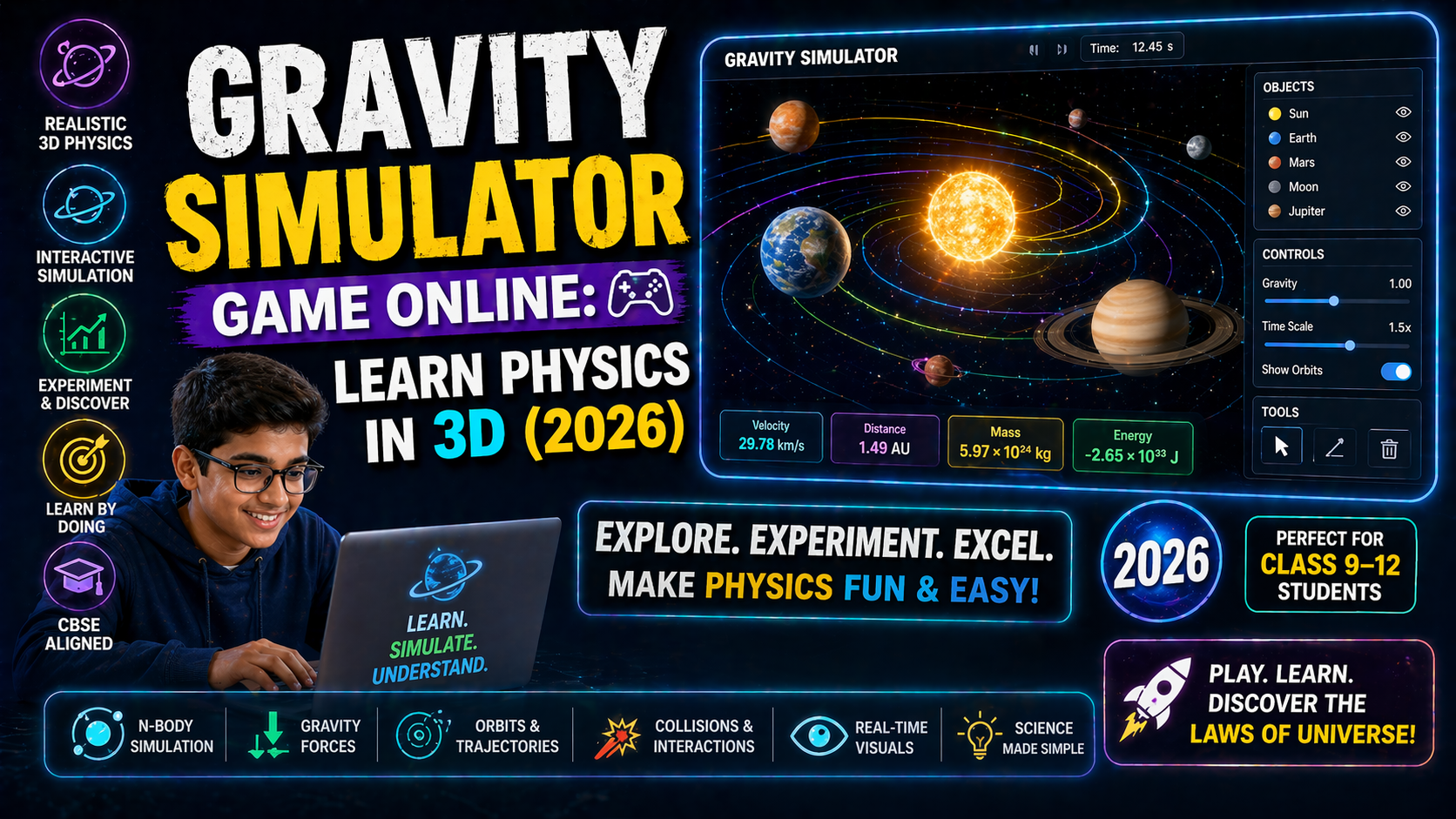
Struggling to grasp the friction class 11 formula sheet? You’re not alone—many CBSE/NEP 2020 students find friction confusing because it’s invisible until it affects motion. But what if you could *see* friction in action? With AI-powered simulations, you can drag, pull, and adjust variables to understand how friction works—no more memorizing dry formulas. This guide turns friction into an interactive experience, helping you master the concepts behind NEP 2020 physics labs and ace your exams.
Dive into the world of friction where every formula becomes a story—like watching a car skid on ice or a block sliding down a ramp. By the end, you’ll not just know the friction class 11 formula sheet but also *why* it matters in real life. Let’s begin!
Why This Matters: Friction Isn’t Just a Formula—It’s Everyday Magic
Imagine this: You’re riding your bicycle, and suddenly the brakes fail. Or you’re trying to push a heavy box across the floor, and it won’t budge. These moments aren’t just frustrating—they’re friction in action. Friction isn’t just a topic in your friction class 11 formula sheet; it’s the reason your shoes grip the ground, why cars don’t slide on roads, and even why you can write with a pencil. For students in India following the CBSE or NEP 2020 curriculum, understanding friction isn’t just about passing exams—it’s about seeing the world differently.
Teachers in India often struggle to explain friction because it’s an abstract concept. Students in Class 11 need more than just a friction class 11 formula sheet—they need to *experience* it. That’s where AI simulations come in. With interactive tools, you can adjust variables like surface roughness, normal force, and velocity to see how friction changes in real time. No more guessing—just discovery.
According to a recent study by the National Center for Biotechnology Information, hands-on simulations improve retention by 40%. For CBSE students, this means better grades and a deeper understanding of physics. Ready to turn theory into action?
Understanding Friction: The Science Behind the Slide
Friction is the force that resists motion when two surfaces touch. It’s what keeps you from slipping on a banana peel or makes it hard to push a heavy suitcase. But how do we measure it? The answer lies in the friction class 11 formula sheet, which includes two key types of friction:
- Static Friction: The force that prevents motion when you try to move an object. For example, when you push a stationary box, static friction keeps it in place until you apply enough force.
- Kinetic Friction: The force that acts when an object is already moving. It’s usually less than static friction but still slows things down—like when you slide a book across a table.
The formula for friction is simple but powerful:
Ffriction = μ × Fnormal
Where:
- Ffriction is the frictional force.
- μ (mu) is the coefficient of friction (a measure of how rough the surfaces are).
- Fnormal is the force pressing the surfaces together (usually equal to the object’s weight if it’s on a flat surface).
But how do you *see* this in action? With AI simulations, you can adjust μ and Fnormal to watch how friction changes. For example, try increasing the roughness of a surface—does the friction increase? Or what happens if you tilt the ramp? These experiments make the friction class 11 formula sheet come alive.
Static vs. Kinetic Friction: The Battle of the Forces
Static friction is like a silent guardian—it doesn’t let objects move until you push hard enough. Once the object starts moving, kinetic friction takes over, acting like a brake. The difference between the two is crucial for solving problems in your friction class 11 formula sheet.
For example, imagine you’re trying to move a heavy crate. You push gently, but the crate doesn’t budge—static friction is winning. As you push harder, the crate finally starts to move, and now kinetic friction is the force slowing it down. The transition from static to kinetic friction is where many students get stuck, but simulations can help you visualize this shift.
Real-World Examples: Where Friction Shows Up
Friction isn’t just in textbooks—it’s everywhere. Here are a few examples:
- Walking: Your shoes grip the ground because of friction. Without it, you’d slip every time you take a step!
- Braking a Car: When you press the brakes, friction between the tires and the road slows the car down.
- Writing with a Pencil: The friction between the pencil lead and paper creates marks.
- Skating: Skates have smooth surfaces to reduce friction, but you still need some friction to turn or stop.
These examples show why understanding friction isn’t just about passing your exam—it’s about mastering the physics of everyday life.
Exploring Friction with AI Simulations: See It, Change It, Learn It
Memorizing the friction class 11 formula sheet is one thing—*understanding* friction is another. With AI simulations, you can:
- Drag objects across surfaces to see how friction changes.
- Adjust variables like normal force and coefficient of friction in real time.
- Compare static and kinetic friction side by side.
- Experiment with different materials and slopes.
These simulations aren’t just tools—they’re your lab partners, helping you explore friction without leaving your desk.
How AI Simulations Make Friction Click
Traditional textbooks show friction as a static concept, but AI simulations bring it to life. Here’s how:
- Interactive Learning: You’re not just reading about friction—you’re *doing* friction. Adjust the coefficient of friction and see how the object moves (or doesn’t move).
- Visual Feedback: The simulation shows forces in action, so you can see how friction opposes motion.
- Instant Experiments: Test your hypotheses on the spot. What if you double the normal force? What if you make the surface smoother? The simulation answers these questions in real time.
- NEP 2020 Alignment: These simulations align with the NEP 2020 focus on experiential learning, making friction a hands-on subject.
For teachers, this means no more struggling to explain friction with chalk and paper. For students, it means learning by doing—just like in a real lab.
What If You Changed This? Experiment with Friction
Now that you’ve seen friction in action, it’s time to play! Try these experiments in the simulation to see how friction behaves:
1. What If You Made the Surface Smoother?
Adjust the coefficient of friction (μ) to a very low value, like 0.1. What happens to the object? Does it slide more easily? This experiment shows how reducing friction (like with lubricants) makes motion smoother—useful for understanding everything from car engines to ice skates.
2. What If You Increased the Normal Force?
Double the normal force (Fnormal) by adding weight to the object. How does the frictional force change? According to the friction class 11 formula sheet, friction is directly proportional to the normal force. This is why heavy objects are harder to move—more weight means more friction!
3. What If You Tilted the Ramp?
Change the angle of the ramp. At what angle does the object start to slide? This experiment connects friction to real-world scenarios like skiing or pushing a box up stairs. It also helps you understand the balance between gravity and friction.
These experiments aren’t just fun—they’re how you’ll remember the friction class 11 formula sheet for years to come.
Try It Free on SPYRAL
Everything discussed in this article is available for free on SPYRAL AI Workbench — Physics Simulations. No signup required for guest access — just open it and start learning.
Explore SPYRAL AI Workbench — Physics Simulations →Frequently Asked Questions
How can I use the friction class 11 formula sheet to solve real-world problems?
The friction class 11 formula sheet is your secret weapon for solving problems like calculating how much force is needed to move a box or how a car’s brakes work. Start by identifying the type of friction (static or kinetic), then use the formula Ffriction = μ × Fnormal. For example, if a box weighs 50 N and the coefficient of friction is 0.3, the frictional force is 15 N. Try plugging in numbers from the simulation to see how it works!
Can I use an electrostatics simulation to understand friction better?
While electrostatics simulation tools focus on charges and forces between particles, they share a similar principle: forces acting on objects. However, friction is unique because it depends on surface interactions. For friction, stick to simulations that let you adjust normal force and surface roughness. But if you’re curious, you can explore how electrostatic forces (like those in electrostatics) compare to frictional forces in different scenarios!
How does a thermodynamics simulation relate to friction?
At first glance, thermodynamics simulation tools seem unrelated to friction, but they both deal with energy transfer. Friction converts kinetic energy into heat, which is a key concept in thermodynamics! For example, rubbing your hands together creates heat due to friction. While you won’t find a direct link in simulations, understanding how friction generates heat can help you see the bigger picture of energy in physics.
What’s the difference between static and kinetic friction in the friction class 11 formula sheet?
Static friction is the force that keeps an object at rest until you apply enough force to overcome it. Kinetic friction acts once the object is moving. The friction class 11 formula sheet shows that static friction is usually greater than kinetic friction. For example, it’s harder to start pushing a heavy box than it is to keep it moving once it’s in motion. Try adjusting the simulation to see this difference in action!
How can I use an ohm law resistor simulation to understand friction?
An ohm law resistor simulation might seem unrelated, but both friction and resistance involve forces opposing motion or flow. In electricity, resistance opposes the flow of current, while in friction, it opposes the motion of objects. While you won’t use the same formulas, understanding resistance can help you grasp how opposing forces work in different contexts. For friction, focus on simulations that let you adjust variables like normal force and surface texture.
Can I use a fluid pressure buoyancy simulation to study friction?
A fluid pressure buoyancy simulation deals with forces in fluids, but friction is about solid surfaces. However, both involve forces that resist motion. For example, fluid friction (drag) acts on objects moving through air or water, while solid friction acts between surfaces. While they’re different, understanding fluid resistance can help you see how friction behaves in various environments. For solid friction, stick to simulations that focus on surface interactions!
How does the lens formula calculator relate to friction?
The lens formula calculator is used in optics to determine how light bends through lenses, while friction deals with forces between surfaces. They seem unrelated, but both involve principles of physics that affect motion—just in different ways. For example, friction affects how objects move, while lenses affect how light moves. If you’re curious, you can explore how these concepts work together in real-world applications, like camera lenses that rely on frictionless mechanisms to focus!
Why is the coefficient of friction (μ) important in the friction class 11 formula sheet?
The coefficient of friction (μ) is a dimensionless number that represents how much two surfaces resist sliding against each other. It’s crucial because it directly affects the frictional force. For example, a rough surface has a higher μ, meaning more friction, while a smooth surface has a lower μ, meaning less friction. In the simulation, adjust μ to see how it changes the motion of objects—this is how you’ll master the friction class 11 formula sheet!
How can I reduce friction in real life using the concepts from the friction class 11 formula sheet?
Reducing friction is all about lowering the coefficient of friction (μ) or the normal force (Fnormal). Here are some real-world tips:
- Use lubricants like oil or grease to make surfaces smoother.
- Reduce the normal force by tilting surfaces or using lighter objects.
- Choose materials with low friction, like Teflon for cookware.
Try these tricks in the simulation to see how they affect motion!
Can I use AI simulations to prepare for CBSE Class 11 friction exams?
Absolutely! AI simulations are perfect for exam prep because they let you practice problems interactively. Use them to:
- Test your understanding of the friction class 11 formula sheet.
- Visualize how friction works in different scenarios.
- Experiment with variables to see how changes affect outcomes.
For example, the simulation can help you solve problems like “What force is needed to move a 10 kg box on a surface with μ = 0.2?” by adjusting the variables and watching the results. This hands-on approach builds confidence for your exams!
How does friction affect energy in physics?
Friction converts kinetic energy into heat energy, which is why rubbing your hands together makes them warm. This energy loss is why it’s harder to keep objects moving—friction always opposes motion. In the simulation, watch how the object slows down and see the energy transfer in action. This is a key concept in both friction and thermodynamics!
Are there any NEP 2020-aligned simulations for friction?
Yes! The NEP 2020 curriculum emphasizes experiential learning, and AI simulations fit perfectly. These tools let you explore friction interactively, aligning with NEP’s focus on hands-on, discovery-based learning. For example, you can adjust variables in real time to see how friction changes, which is exactly what NEP encourages. Try the simulation linked above to see how it aligns with your curriculum!
How can I create my own friction experiments using the simulation?
Creating your own experiments is easy! Start by asking questions like:
- “What happens if I increase the angle of the ramp?”
- “How does changing the coefficient of friction affect the motion of the object?”
- “Can I make the object move without any friction?”
Adjust the simulation’s variables to test your hypotheses. For example, set μ to 0 and see if the object slides forever—this helps you understand the role of friction in motion. Document your findings to build a portfolio for your NEP 2020 projects!